Evolution Golf Cart Won’t Turn On (No Power): Fix
A totally dead Evolution usually has a sleeping lithium pack, open main disconnect, failed fuse, bad key feed, or a low voltage accessory fault.
- Start at the main battery disconnect switch, not the dash or controller.
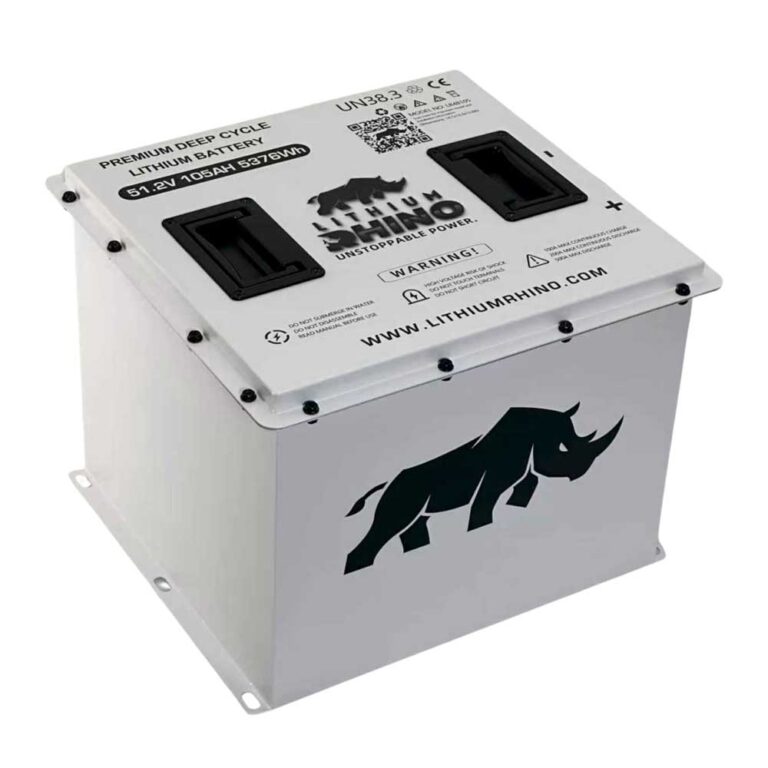
- Normal pack voltage is 48V nominal on Evolution 48V packs, or 51.2V nominal with the L48110 option installed.
- Everything on the dash runs off a 12V converter; a blown converter fuse can make a healthy pack look dead.
- Water intrusion under the seat is a frequent, cheap-to-fix cause of a no-power fault.
When a Classic 4 Plus or D5 Ranger has no dash, no lights, and no response from the key, diagnose the power supply before the controller. Lithium carts can look dead when the BMS has shut down, and street legal accessory wiring adds a few extra fuse points.
01: Start at the Main Battery Switch
A completely dead Evolution (Classic 4 Plus, Forester, D5, EV2.5, model years roughly 2021 onward) almost always comes down to one thing: the pack is not connected to the cart. These lithium carts have a main battery disconnect switch, and the LiFePO4 BMS can also open the pack internally if it has gone into low-voltage protection. Start at the disconnect switch and confirm it is fully ON. Unlike a lead-acid cart, an Evolution can read “no power” simply because the BMS has put the pack to sleep after a deep discharge, and no amount of key-turning will wake it until the pack is charged or the BMS is re-woken.
- Main disconnect: Turn it off, wait ten seconds, then turn it fully on.
- Pack display: If the battery has its own indicator, verify it wakes before testing downstream circuits.
- Main lugs: Look for loose, hot, or corroded battery cable connections.
02: Measure Pack Voltage and Charger Response
Set the meter to DC volts and measure at the pack output. If you see no pack voltage, the BMS may be asleep or the internal protection is open. Connect the correct charger and confirm whether charging begins. If the charger never starts, move to the charging diagnosis before opening the dash.
| Reading | Meaning | Next Step |
|---|---|---|
| Normal pack voltage | 48V nominal on Evolution 48V packs, or 51.2V nominal if the L48110 pack is installed | Test fuse, converter, key feed |
| Around 44V or lower on a 48V pack, or around 46V or lower on a 51.2V pack | Deep discharge. The BMS may be at or near its low-voltage disconnect. The L48110 data sheet lists a 41.6V low-voltage disconnect with automatic recovery. | Connect the correct charger and leave it connected. Recovery is not always instant. |
| Zero at output | BMS open or disconnect open | Reset disconnect and charger wake |
If the pack looks asleep: turn the main disconnect off for about 30 seconds and back on, confirm the charger is the correct Evolution unit for your pack, then connect it and leave it connected. Do not force repeated short charge attempts, and do not charge a pack that is below freezing, the L48110 sheet lists a charge range starting at 32°F.
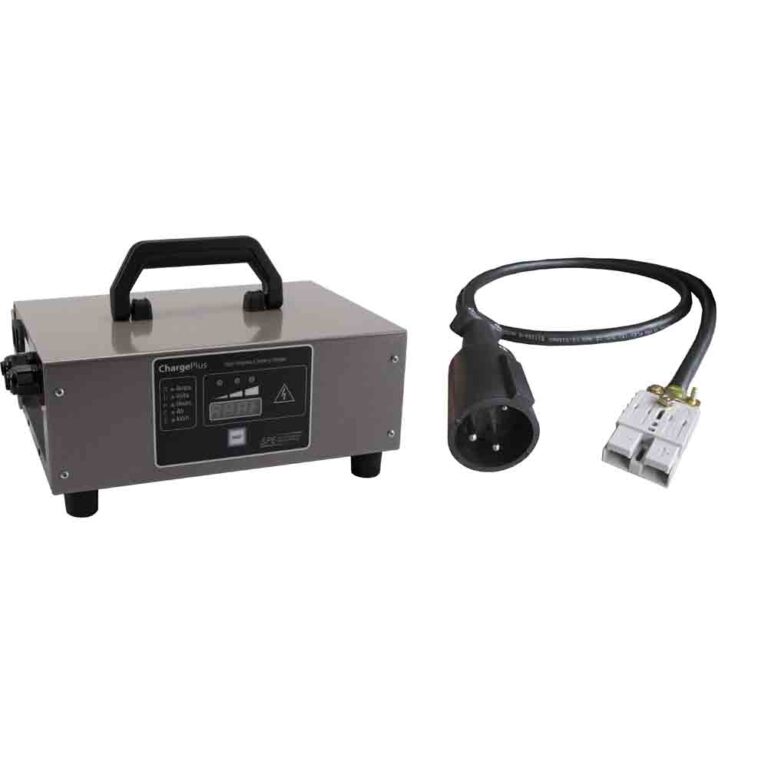
If the cart sat for weeks, plug in the correct Evolution charger and watch whether it starts. If the charger will not wake the pack, use the Evolution charging guide before chasing the drive system.
03: Main Fuse and the 12V Converter
Everything on the dash (the display, the key circuit, the horn, the lights) runs off 12V, not the full pack voltage. Evolution carts use a 48V-to-12V converter to feed that accessory bus, and if it fails the pack can be perfectly healthy while the whole cart looks dead. Check the main pack fuse or breaker first (a blown maxi-fuse between pack and controller kills everything), then measure the converter output: you should read about 12 to 14V on the 12V bus with the disconnect on. No 12V output there means a failed converter or a blown converter fuse, which is a common and inexpensive dead-cart cause that people mistake for a bad controller or battery.
Probe for pack voltage into the converter, then 12 to 13 volts out. If voltage enters but does not leave, the converter or its ground is suspect. If nothing enters, work backward to the fuse and main harness connection.
| Converter Reading | What It Means | Do This |
|---|---|---|
| Pack voltage in, 12 to 14V out | The converter is working. The accessory bus is being fed. | Move downstream to the key switch and dash feed. |
| Pack voltage in, 0V out | Failed converter, blown converter fuse, or a bad converter ground. | Check the converter fuse and its ground lug before replacing the unit. |
| No voltage in at all | The break is upstream of the converter. | Work back to the main pack fuse or breaker, the disconnect switch, and the main harness plug. |
| Output sagging well under 12V | Overloaded or failing converter, or a high-resistance ground. | Unplug added accessories such as light bars and stereos, then re-measure. |
04: Key Switch and Dash Power Feed
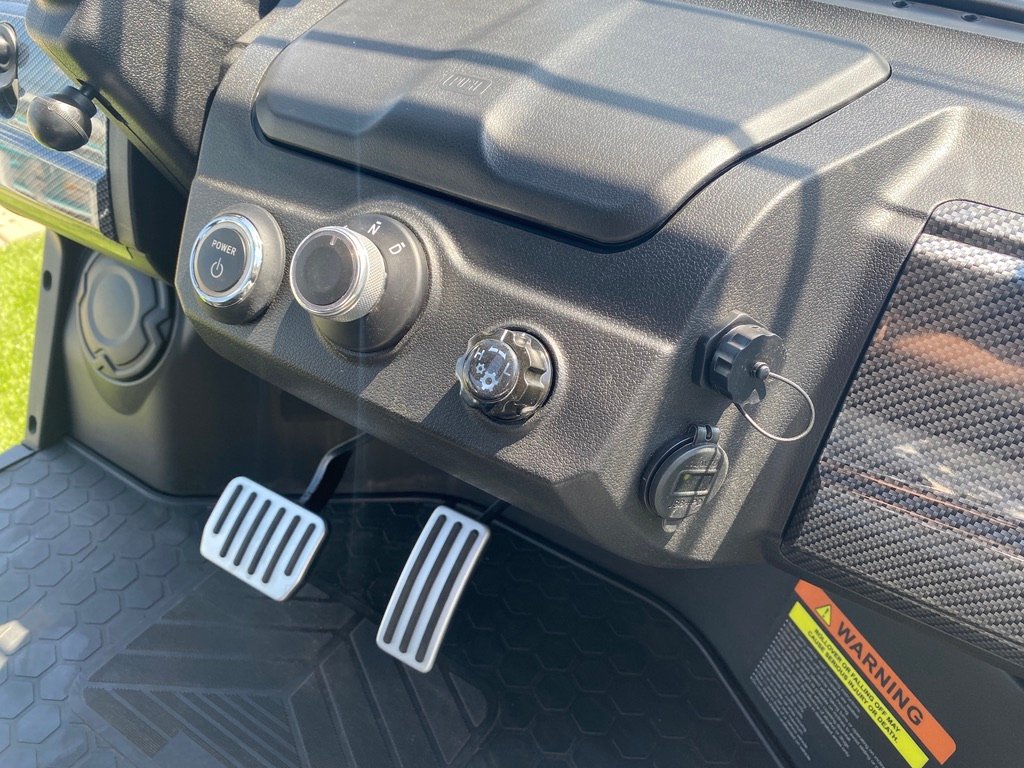
If the pack is connected and 12V is present but the cart still will not wake, trace the key switch and its feed. Turn the key and listen for the main contactor to click; no click means either the key circuit is open or the controller is not getting its enable signal. Back-probe the key switch output for 12V when turned on. The Evolution-specific quirk here is water intrusion: these carts sit low and the under-seat wiring and connectors are exposed to wash-downs and rain, so green corrosion on a connector or a ground lug is a frequent no-power cause. Unplug, clean, and dielectric-grease suspect connectors before condemning the controller.
- Key input: With the disconnect on, one side of the key switch should have voltage.
- Key output: Turn the key on. The output side should now show voltage.
- Dash connector: If key output exists but the dash is dark, inspect the dash plug and ground.
- Controller wake: Only after key and dash power are proven should you suspect controller wake wiring.
If the cart wakes but still will not drive, continue with the Evolution no movement guide.
A dead Evolution should be diagnosed from battery outward: disconnect, BMS, pack voltage, charger wake, main fuse, converter, key switch, then dash feed. Most no power faults live before the controller, especially after storage, rain exposure, or an accessory wiring change.
Related Evolution Diagnostics
Keep the diagnosis in the Evolution cluster so model assumptions stay consistent. The Evolution brand hub tracks the model lineup, and the golf cart troubleshooter can walk you symptom by symptom.
Frequently Asked Questions
Why is my Evolution golf cart completely dead?
The usual causes are the main disconnect, a sleeping lithium BMS, low pack voltage, blown main fuse, failed converter, or a bad key switch feed.
How do I wake an Evolution lithium battery?
Use the correct charger, make sure the main disconnect is on, and leave the charger connected long enough for the BMS to wake, which is not always instant after a deep discharge. If it still will not start, cycle the main disconnect off for about 30 seconds and back on, then reconnect the charger. A pack sitting below its low-voltage disconnect (41.6V on the L48110) may need the charger left on before it will accept a charge. If the pack never wakes, that is a battery or BMS service item, not a charger fault, so diagnose the charger and receptacle before replacing anything.
Can a bad key switch make an Evolution look dead?
Yes. If pack and converter voltage are present but no voltage leaves the key switch with the key on, the dash and controller may stay off.