Evolution Golf Cart Won’t Move: Diagnosis & Fix
An Evolution that powers up but will not drive is usually protecting the lithium pack, waiting on an interlock, or losing the run signal before the controller.
- Check charger interlock, run/tow switch, and brake switch first, they take seconds.
- Pack voltage varies by model: match your reading to the installed battery’s own label.
- A click without motion points to the solenoid, controller output, or motor cable.
- Evolution uses a hall-effect pedal sensor, not a mechanical switch; check its connector for corrosion.
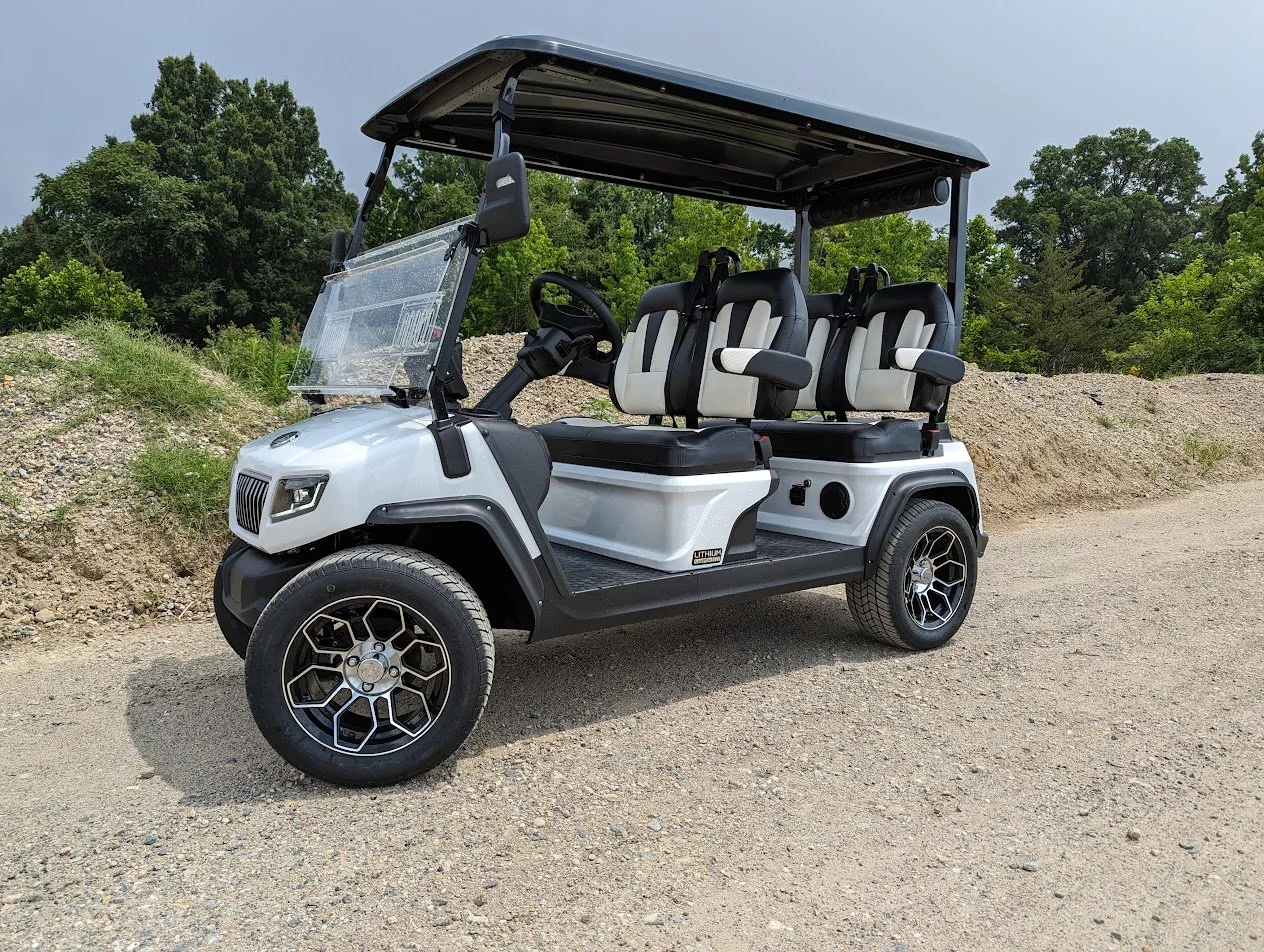
A Classic 4 Plus or D5 Ranger that lights the dash but refuses to move is a different problem than a dead cart. Power is present, but the drive chain is open. Work from the lithium pack and run inputs toward the motor controller, and you can separate a simple interlock from a real controller or motor fault.
01: Confirm the Cart Is Allowed to Drive
Evolution carts have several inputs that can block motion even when the dash is awake. Start with the simple items because they take seconds and do not require removing panels.
- Charger unplugged: Many street legal lithium carts inhibit drive while the charge circuit is connected or recently latched.
- Run mode: Verify the run or tow switch is in run, then cycle the key off and back on.
- Brake release: A parking brake switch or brake pedal switch can keep the controller from accepting throttle.
If one of these was the cause, the cart usually drives normally after a key cycle. If it still will not move, keep testing instead of replacing parts. On the current Evolution lineup, most models from roughly 2020 onward ship with lithium packs and a factory tow/run switch mounted under the seat, so it is easy to knock into tow while loading coolers or clubs. The Classic 4 Plus, Forester 4 Plus, and D5 Ranger also use a rocker or key sequence that must fully cycle before the controller arms; a half-turn that lights the dash is not the same as a completed key-on. Give the key a firm full off-then-on cycle with your foot off the pedal, and make sure any Bluetooth app or dash speed mode is not sitting in a locked or valet setting.
02: Read the Symptom Before Testing Parts
Separate the failure into a pattern. A silent cart with no solenoid click points toward key, interlock, pedal, or controller enable. A cart that clicks but will not roll points toward the solenoid contacts, controller output, motor cable, or motor itself. A cart that tries to move and cuts out points toward lithium BMS protection or a controller fault.
| Symptom | Likely Area | First Check |
|---|---|---|
| Dash on, no click | Enable circuit | Run switch, brake switch, pedal sensor |
| Click, no motion | High current circuit | Solenoid output and controller input |
| Jerks then stops | BMS or controller fault | Battery state, error icon, cable heat |
03: Check Pack Voltage and BMS Wake State
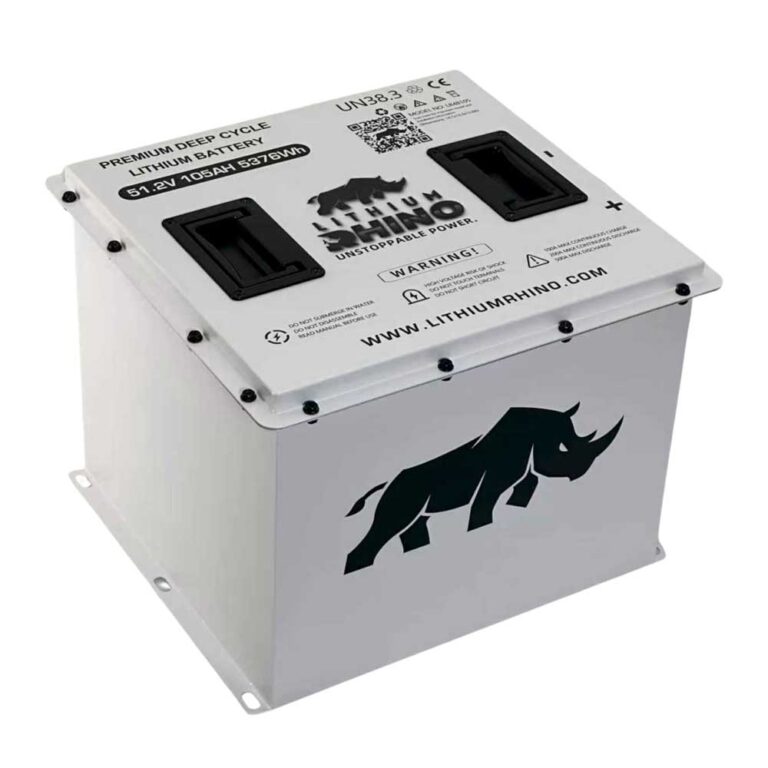
A lithium Evolution can show enough power for accessories while the BMS limits drive current. Measure pack voltage at the main positive and negative posts, not only at the dash display. There is no single universal number to use here: current D5 Ranger Plus literature lists a 48V 105Ah lithium pack with a 48V 160Ah option, while Evolution’s L48110 data sheet lists a 51.2V 110Ah LiFePO4 pack. Classic 4 Plus public specs identify a 48V lithium battery but do not publish Ah on the model page. Match your reading to the installed battery’s own label or Evolution’s battery data sheet rather than assuming one pack voltage across the whole lineup.
If the cart sat for weeks, plug in the correct Evolution charger and watch whether the charger starts. If the charger will not wake the pack, use the Evolution charging guide before chasing the drive system.
Because Evolution packs are lithium, the BMS behavior is different from a lead-acid cart. If the pack was drained hard and then left, the BMS can drop into a sleep or protection state where it powers the dash and lights from a small reserve but refuses to release drive current until it sees a proper charge cycle. In that state, pack voltage measured at the posts may read lower than the label rating, and simply keying on will not clear it. Connecting the correct Evolution charger and letting it complete a full cycle resets the BMS and re-enables the drive path; a very cold pack in winter can behave the same way until it warms.
04: Pedal Sensor, Solenoid and Controller Tests
- Pedal input: Press the accelerator slowly. You should hear a relay or solenoid click and see the dash acknowledge throttle.
- Small solenoid wires: With key on and pedal pressed, check for control voltage at the small solenoid terminals.
- Large solenoid posts: When engaged, voltage drop across the two large posts should be very low. A high reading means burnt contacts.
- Controller fault: If the solenoid passes and the controller shows a fault, match it in the Evolution error code guide.
Stop at the first point where the signal disappears. That point is the problem area, and it keeps you from buying a controller for a bad pedal input. Evolution carts use a throttle sensor rather than a simple mechanical switch, so the pedal input test is more informative than it looks. A hall-effect or inductive sensor sends a varying signal to the controller as the pedal travels, and a cracked connector or a sensor that never leaves its rest value produces exactly the dash-on, no-motion symptom without any solenoid click. Before condemning the solenoid or controller, unplug and reseat the pedal sensor connector and look for corrosion, since these carts often live outdoors and moisture in that plug is a common, cheap fix.
An Evolution that will not move is usually not a mysterious motor failure. It is normally an interlock, a sleeping or protecting lithium pack, a missing pedal signal, a weak solenoid, or a controller fault. Confirm the cart is allowed to drive, prove the pack is awake, then follow the enable and high current path one step at a time.
Related Evolution Diagnostics
Keep the diagnosis in the Evolution cluster so model assumptions stay consistent. The Evolution brand hub tracks the model lineup, and the golf cart troubleshooter can walk you symptom by symptom.
All of the checks above assume the fault is electrical. If the motor spins while the cart stays still, the electrical side has already proved itself and the break is mechanical, which is covered in the guide to a golf cart that will not move while the motor spins.
Frequently Asked Questions
Why won’t my Evolution golf cart move?
The most common causes are a charger interlock, run or tow switch left in tow, parking brake switch, low lithium pack, pedal sensor fault, solenoid fault, or controller fault. Check them in that order.
Why does my Evolution click but not move?
A click means the enable side is probably working. Test the solenoid contacts, controller input, motor cables, and any active controller fault code.
Can a low lithium battery stop an Evolution from driving?
Yes. The BMS can allow lights and dash power while limiting drive current. Charge the pack fully and check for a battery warning before replacing drive parts.