Cushman Golf Cart Won’t Charge: Diagnosis & Fix
Electric Cushman Hauler charging faults trace to the outlet, charger, receptacle, pack voltage, interlock, or cables, and the charger’s own LED blink pattern is the fastest way to know which one, once you know how to read it.
- Identify the charger before reading the lights: Cushman’s Hauler Pro ELiTE manual documents Delta-Q QuiQ models 913-4830-E3/E3B/E5/E5B and separate ELiTE-family chargers with different LED behavior.
- QuiQ red-fault blink counts are real diagnostic codes: 2 = wake-up pulse failure, 3 = charge timeout/possible BMS error, 4 = BMS fault, 5 = high internal temperature shutdown, 6 = internal charger fault.
- ELiTE-style chargers use a different red-fault count (2, 3, 4, 6) tied to lithium pack/wiring faults, not the QuiQ table, so match your charger’s actual face and label first.
- A charge interlock that disables drive while plugged in is normal behavior on many Haulers, not a fault.
- Never condemn a pack over one dirty connection or one hot plug; work outlet, charger, receptacle, pack voltage, then individual batteries in order.
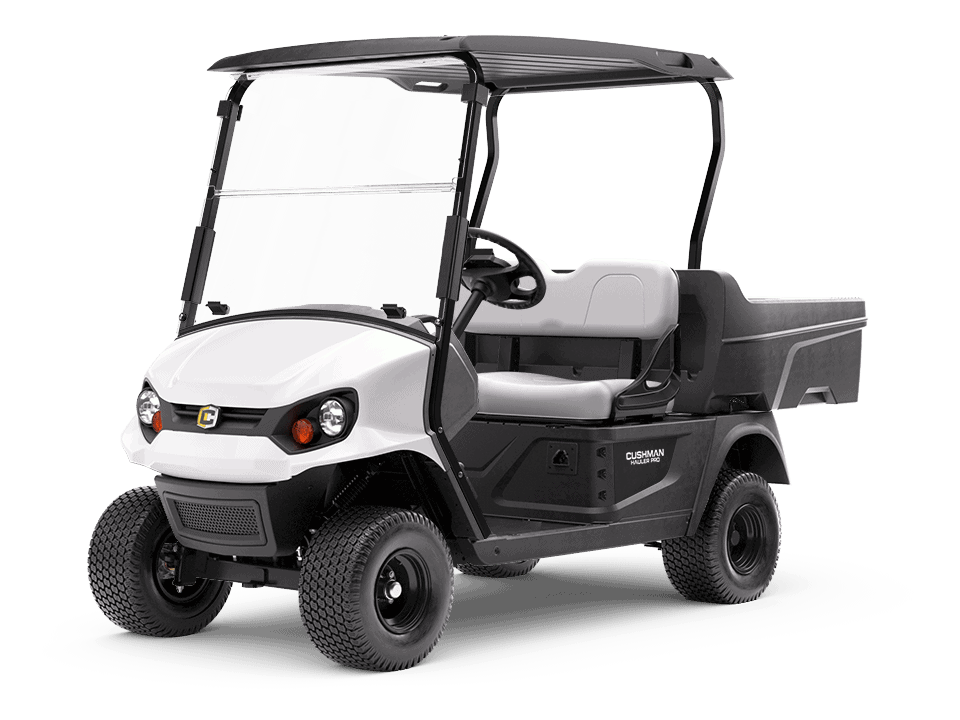
Some Cushman Hauler models are electric, and their no-charge diagnosis differs completely from gas models. Treat the charger, receptacle, pack, and main cables as one system, identify exactly which charger is on your cart, and prove each step before replacing batteries.
Identify the charger and read the lights
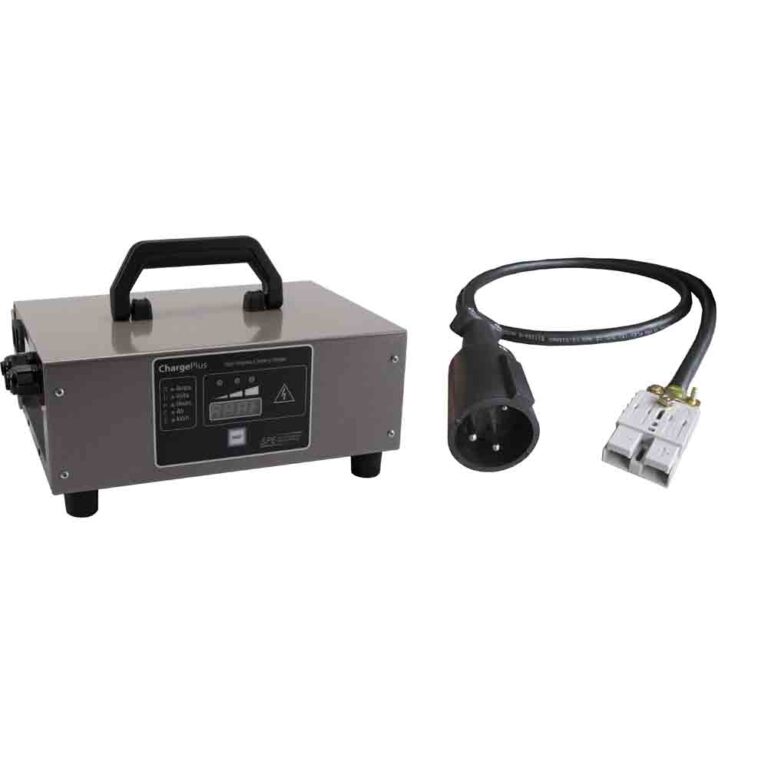
For a cushman hauler electric won’t charge complaint, identify the charger before interpreting the lights. Cushman’s current Hauler Pro ELiTE owner manual confirms some vehicles use Delta-Q QuiQ charger models 913-4830-E3, 913-4830-E3B, 913-4830-E5, or 913-4830-E5B, while the ELiTE charger appendix covers a separate family under part numbers 958-0001 through 958-0004 (plus RC900 ELiTE charger 944-0003 on E-Z-GO ELiTE lithium vehicles). Do not assume every electric Hauler has the same charger face; read the label on the charger body first, then use the matching table below.
On the QuiQ 10-LED display, a solid orange AC light confirms wall power; a flashing orange AC light means low AC voltage, so check the source and extension-cord length before blaming the pack. Solid orange charge indicator means greater than 80 percent state of charge; green means charge complete. If the red fault light flashes, count the flashes between pauses, that count is the actual diagnostic clue most generic pages leave out.
On the ELiTE-style charger, the indicator set is different: blue for AC present, green for charge complete/state of charge, red for charger error. The DC receptacle light is solid for complete, slow-flashing for more than 80 percent, fast-flashing for less than 80 percent, or off when the charger itself needs checking.
Charger fault code table
This table uses verified Delta-Q material inside the Cushman Hauler Pro ELiTE manual, plus Delta-Q’s own QuiQ troubleshooting guide. Treat the QuiQ blink counts as exact only when your charger face matches the QuiQ 10-LED style; treat the ELiTE rows as exact only when your charger label and paddle/receptacle match the ELiTE appendix.
| Charger indication | Verified meaning | What to check first |
|---|---|---|
| QuiQ red fault, 2 flashes | Charger unable to apply wake-up pulse. | Confirm the charger is fully seated and AC power is stable, then refer for service. |
| QuiQ red fault, 3 flashes | Charge timeout; Cushman’s Delta-Q appendix labels this a possible BMS error. | Inspect the charge receptacle and pack condition, then interrupt AC power for 15+ seconds if the manual directs a reset. |
| QuiQ red fault, 4 flashes | BMS fault. | Stop chasing the wall outlet; the pack or BMS needs service-level diagnosis. |
| QuiQ red fault, 5 flashes | Charger shutdown from high internal temperature. | Move the charger out of sun/trapped heat, clear airflow, reset AC power 15+ seconds. |
| QuiQ red fault, 6 flashes | Internal charger fault. | Reset AC power 15+ seconds; if it returns, the charger needs service. |
| QuiQ AC light flashing | Low AC voltage. | Use a dedicated grounded outlet; Cushman’s Delta-Q appendix limits extension cords to 100 ft at 10 AWG or 25 ft at 16 AWG. |
| ELiTE red fault, 2 flashes | Lithium pack fault indicating a wiring or charger hardware issue. | Check the green DC paddle and receptacle for damage, corrosion, and full insertion; reset AC power 15+ seconds. |
| ELiTE red fault, 3 flashes | Charge time or amp-hour limit exceeded. | Check connector fit, corrosion, and charger cooling (airflow, below 40°C, out of sun). |
| ELiTE red fault, 4 flashes | Lithium pack shut down charging and issued a fault. | Turn ignition and tow mode off, remove the green charger paddle, wait 5+ seconds, reinsert. |
| ELiTE red fault, 6 flashes | Internal charger fault. | Reset AC power 15+ seconds; if it returns, contact E-Z-GO or Cushman service support. |
| RC900 rapid amber flash or solid red | Rapid amber = error; solid red = fault. The RC900 guide doesn’t expose the same numbered blink table. | Unplug and reconnect; if it persists, use qualified service support. |
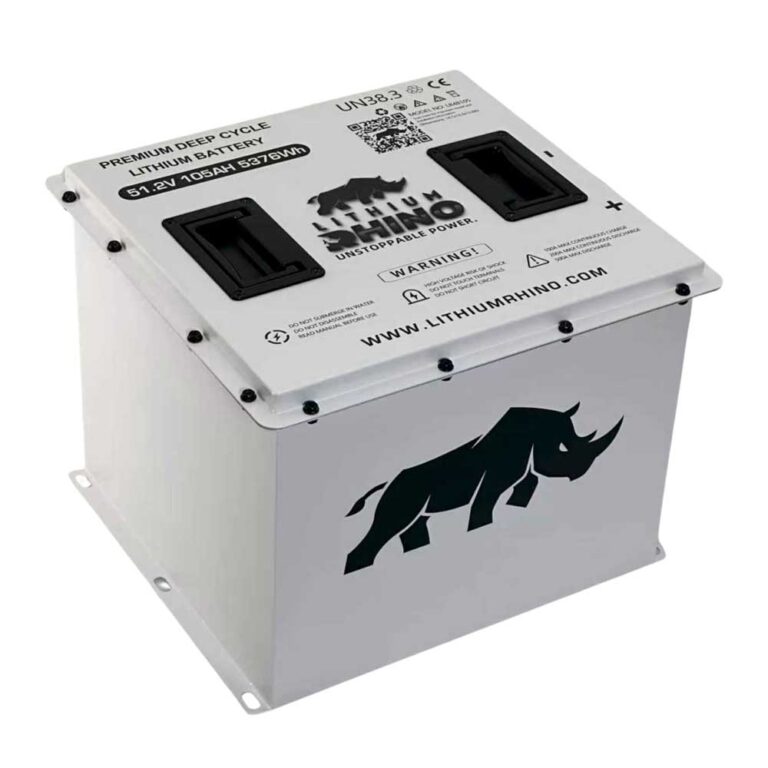
The pack architecture is label-specific too, but Cushman’s Hauler Pro ELiTE charger appendices repeatedly identify the ELiTE lithium charging system as 48V lithium-ion. If your cart is an older lead-acid Hauler, verify pack voltage from the battery count and charger label instead of applying the ELiTE lithium table blindly.
Test the pack and each battery
Measure total pack voltage, then individual batteries if accessible. One weak battery can make the charger stop early or fail to start. Clean and tighten cable connections only with the charger unplugged.
On a lead-acid Hauler, the charger watches total pack voltage to decide whether to start, and a smart charger like a Delta-Q will simply refuse to begin if it sees the pack sitting too low, which owners misread as a dead charger. If the pack is deeply discharged from sitting all winter, it may need a nudge up with a bench charger before the smart charger will wake and run its normal cycle. Measure each 8V or 6V battery individually; a single unit reading well below its siblings under load is enough to abort the whole charge, and replacing that one battery is far cheaper than the pack the symptom seems to point at.
Receptacle and charge interlock
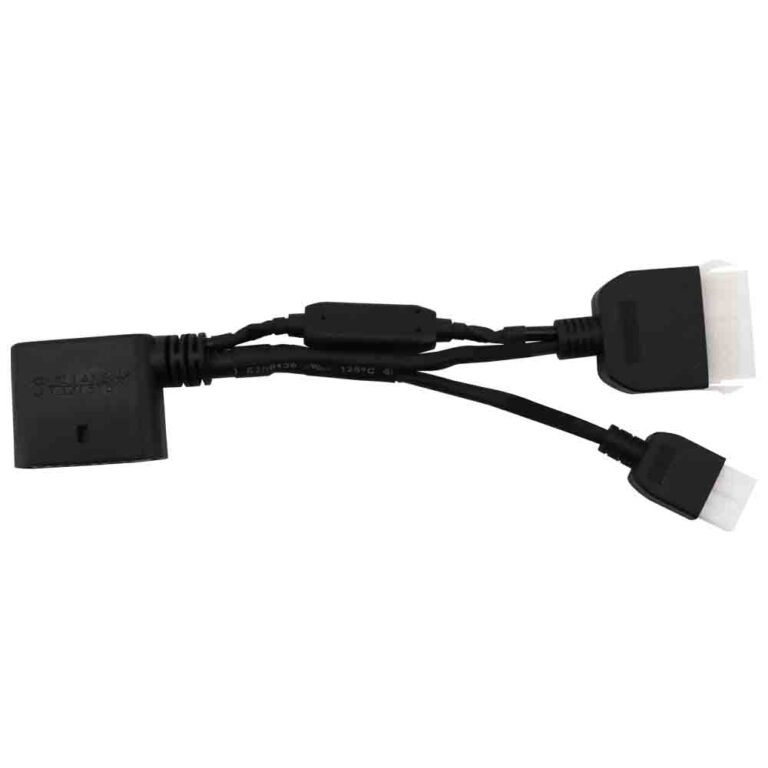
- Receptacle: Look for burnt plastic, loose pins, or corrosion.
- Interlock: Some electric carts disable drive while plugged in, this is normal behavior, not a fault.
- Cables: Replace melted or swollen cable ends.
- Batteries: Load test weak units before replacing the full pack.
The charge receptacle is the part owners overlook most. On a work Hauler that lives outdoors and gets plugged in with dirty hands, the receptacle pins corrode and contacts loosen, and a loose contact heats up every time current flows. A plug or port warm to the touch after charging, or showing browned plastic, is telling you the connection is failing and must be repaired before it melts, regardless of pack health. Many Haulers also disable drive while the charger is connected through a charge interlock, so a cart that won’t move with the cord plugged in is behaving normally, not faulting.
Related Diagnostics
Stay inside the same brand cluster so model assumptions remain consistent. Use the Cushman Hub for model context, or run the golf cart troubleshooter if you want a symptom-first path.
Frequently Asked Questions
Why won’t my electric Cushman Hauler charge?
Common causes include a dead outlet, charger fault, damaged receptacle, low pack voltage, bad battery, loose cable, or charger interlock issue.
Why does my Cushman charger shut off quickly?
The charger may see a low pack, a single weak battery, a bad connection, or an out-of-range voltage response and abort to protect itself. Measure total pack voltage and then each individual battery under load to find the unit dragging the string down.
Is this guide for gas Cushman carts?
Only the charging section is for electric Hauler models. Gas Cushman carts use a small starting battery and an engine charging system instead, so a gas Hauler that won’t start is a cranking, spark, or fuel problem, not a pack-charging problem, and belongs in the no-start guide rather than here.