Evolution Golf Cart Beeping or Blinking: Causes & Fix
Beeping on an Evolution can be a normal reverse warning, a low battery alert, a charger reminder, or a fault worth diagnosing. Here is what the actual owner manuals say each pattern means.
- A beep only in reverse is the required backup alarm, it is normal and should not be disabled.
- Evolution owner manuals confirm charger LED meanings: red flashing means charging, solid green means complete.
- The last two red battery LEDs mean 0 to 20 percent charge and need immediate charging.
- Evolution does not publish one universal beep-count fault system for every model and year.
- Fast one-side turn signal blinking is almost always a lamp, LED module, or ground issue on that corner.
The Classic 4 Plus and D5 Ranger use audible warnings because they are street-legal lithium carts with several safety systems. The first job is to separate normal warning behavior from a fault beep that comes with a dash message, reduced speed, or no drive. This guide uses Evolution’s own Classic and Forester owner manuals plus its charger documentation to give real, source-backed meanings instead of guesses.
01: Decide If the Beep Is Normal
A steady beep only in reverse is the backup alarm. It is a safety feature, not a repair problem. A beep at key on may be a startup confirmation. A repeating beep with a warning icon, no drive, or reduced speed needs diagnosis.
- Reverse only: Normal backup alarm on street legal carts.
- Low battery: Charge the pack and watch whether the warning clears.
- Fault beep: Record the dash icon and match it to the affected system.
02: Verified Beep & Blink Pattern Table
Public Evolution owner documents verified for this update do not publish one universal beep-count fault system for every Classic, Forester, and D5 cart. Use this table as a source-backed triage map, then match the exact model, battery label, charger label, and screen message before buying parts.
| Observed Pattern | Verified Meaning | What to Do |
|---|---|---|
| Beeps only when the selector is in reverse | Evolution’s Classic and Forester owner manuals call for the reverse beeper to sound in REV; the D/N/R description says Reverse activates the reverse buzzer. | Normal if it only happens in reverse. Do not disable it. FMVSS 500 requires an alert sound per FMVSS 141, which includes reverse operation on certified LSVs. |
| Red charger LED flashes between pauses | Evolution’s charger manual says to count red flashes between pauses. The fault groups are no load, over voltage or over current, ambient temperature high or low, charger overheating, output under-voltage, and input AC abnormality. | Move to the Evolution charging guide. Confirm AC input, DC plug fit, receptacle condition, battery voltage, and charger cooling before replacing the charger. |
| Red charger LED flashing or solid green while plugged in | Owner-manual charger tables list red flashing as charging, solid green as complete. Red and green flashing in order means use the troubleshooting table. | Do not treat a normal red charging light as a cart fault. Investigate only if the light sequence matches a fault row, the cart will not charge, or the pack never reaches full. |
| Battery meter shows last two red LEDs | The Classic and Forester manuals say the last two red LEDs mean only 0 to 20 percent battery power remains. Three yellow LEDs mean 30 to 50 percent, four green mean 60 to 90 percent, blue means 90 to 100 percent. | Charge first, then retest. If the warning returns quickly on a full charge, use the Evolution battery guide and identify the installed battery model. |
| Speedometer shows F, R, braking, headlight, or turn indicator | The Classic and Forester speedometer sections name Headlight Indicator, Forward Indicator F, Reverse Indicator R, Braking Indicator, Left and Right Turning Indicator. | These are state indicators, not a public fault-code list. If the indicator disagrees with the control position, inspect the related switch, brake input, or lamp circuit. |
| One turn signal blinks fast | Fast flash on one side points to lamp load, LED module, socket, wiring, or ground trouble on that side. | Check the affected lamp and ground first. If both sides flash fast, check the shared ground or flasher module. |
03: Battery, Charger and Brake Warnings
A low battery beep should clear after a full charge. If it returns quickly, the pack may be sagging or the BMS may be limiting output. Use the Evolution battery guide if the warning comes back on a full pack.
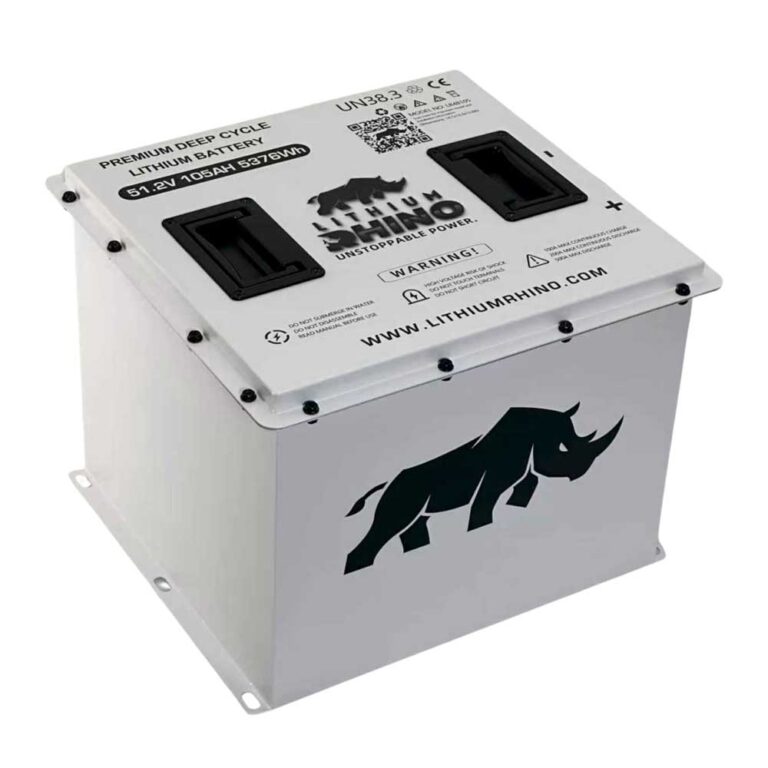
For battery specifics, match the label on the installed pack. Evolution’s L48105 data sheet lists a 48V, 105Ah LiFePO4 pack with a 40V low voltage disconnect, while the L48160-A data sheet lists a 48V, 160Ah LiFePO4 pack with a 39V low voltage disconnect. Both sheets identify an RS485 connector for the lithium battery meter and an SW inspection light and activating button for the BMS, but they do not publish a universal dash beep code table.
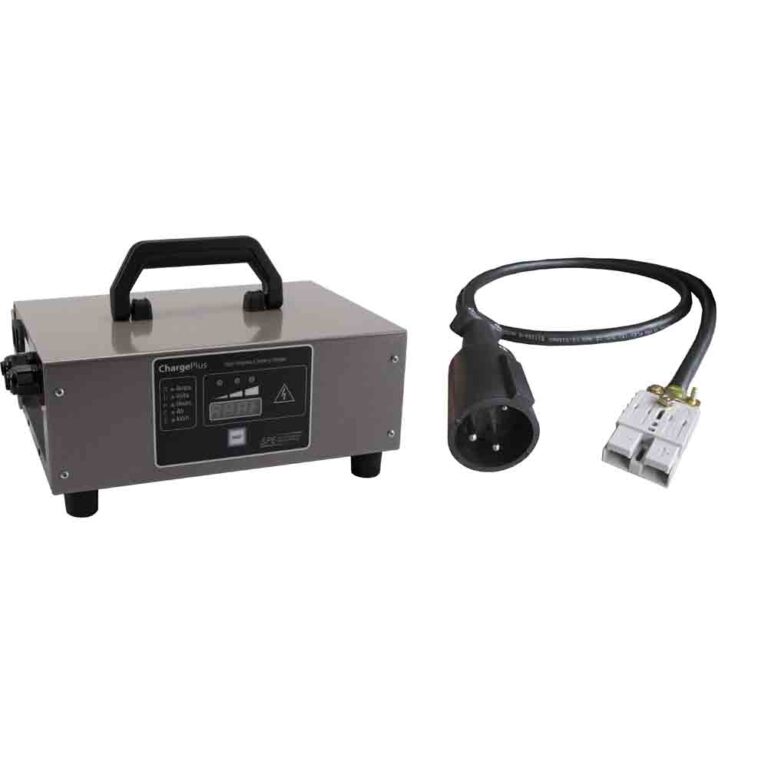
A charging beep or blinking charger indicator belongs with the Evolution charging guide. Evolution charger documentation points to the LED sequence first: red means charging, solid green means complete, red and green flashing in order means check the fault table, and repeated red flashes between pauses are charger fault counts. A brake warning usually means the parking brake or brake switch is not returning cleanly.
04: Blinking Lights and Dash Icons
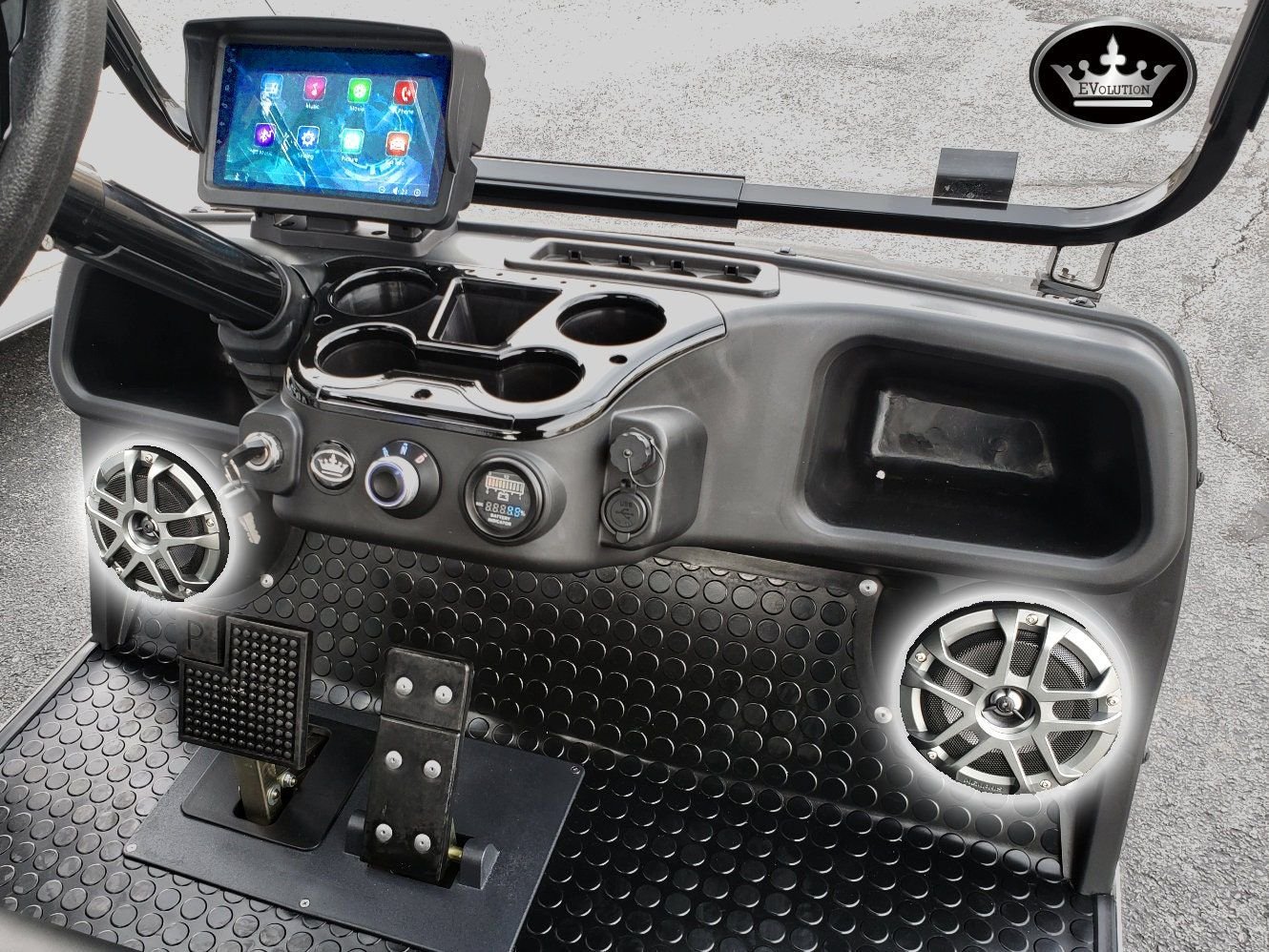
The confirmed public dash-icon names are limited. Evolution’s Classic and Forester owner manuals name the speedometer indicators for headlight, Forward F, Reverse R, braking, left turn, and right turn. Their touchscreen section names Bluetooth and USB drive indicators, and the D5 Ranger 4 product page describes the 9 inch touchscreen as showing speed display, driving gear indication, lights, odometer, radio, music, Bluetooth connection, and backup camera. None of those public documents publishes a universal controller or BMS fault-icon table for every Evolution model year.
- Exterior lights: Fast blinking on one side usually means a lamp, LED module, socket, wiring, or ground problem. Start at the affected lamp and ground before replacing the flasher.
- Named speedometer indicators: If F, R, braking, headlight, or a turn indicator is on, treat it as a state indicator first. If it does not match the actual switch or pedal position, diagnose that input.
- Battery meter: Last two red LEDs mean 0 to 20 percent and need immediate charging. A warning that returns after a full charge points to pack sag, BMS protection, wiring, or a battery-meter communication issue.
- Touchscreen warnings: Photograph the exact icon, message, and any app alarm before cycling the key.
- No drive with beeping: Treat it as an active fault and use the no movement guide.
- Reduced speed with beeping: Record the warning, then move to the reduced speed guide.
The fast-blink complaint is one of the most common Evolution light issues, and it almost always traces to the LED lighting these carts use. A conventional flasher relay expects a certain electrical load, and when an LED turn-signal bulb draws too little current or a ground connection corrodes, the flasher speeds up, exactly the hyper-flash seen on a car with a burned-out bulb. Start by checking the affected lamp and its socket, then clean and tighten the ground screw for that corner. On a cart stored outdoors, corroded grounds behind the front cowl or rear fender are the usual culprit. If both sides flash fast, suspect a shared ground or a failing flasher module rather than an individual bulb.
A genuine Evolution quirk: the reverse backup alarm is deliberately loud and cannot be legally disabled on a street-legal cart, and owners frequently mistake it for a fault. If the beep only sounds when the direction switch is in reverse and stops the moment you shift back to forward, nothing is wrong, that is the alarm doing its job.
Evolution beeps are messages. Reverse-only beeping is normal and required by FMVSS. Beeps with warning icons, charge issues, no drive, or reduced speed are diagnostic clues. Record the pattern, match it to the system using the verified table above, and repair the cause instead of trying to silence the alarm.
Frequently Asked Questions
Why is my Evolution golf cart beeping?
A beep in reverse is normal. Repeating beeps with a warning icon usually mean low battery, charger issue, brake switch issue, or a controller fault. Evolution public owner documents do not publish one universal beep-count fault table for every model.
Can I turn off the Evolution reverse beep?
It should stay active because it is a safety warning. Do not disable safety alarms on a street legal cart or certified LSV.
Why are my Evolution lights blinking fast?
Fast blinking on one side usually points to a lamp, LED module, socket, wiring, or ground issue on that side.