
Controller data repair guides
Controller symptoms, reduced-speed logic, diagnostic lights, command inputs, and system-level checks before replacing expensive electronics.
Start with these controller and fault code guides
A cross-section of the 27 guides in this archive, covering fault codes by brand, throttle signal ranges, upgrade decisions, and when a controller is not actually the problem. Use the search above or the filters to narrow by brand or symptom.
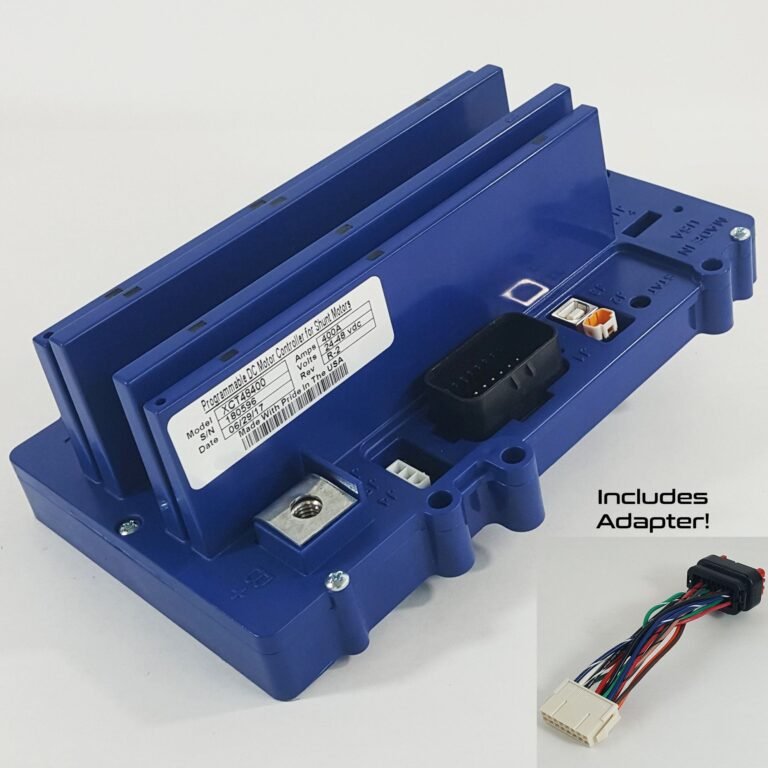
What Is an Alltrax Controller? Golf Cart Upgrade Guide
An Alltrax controller is an aftermarket golf cart motor controller that boosts speed and torque. Learn what it does and who it fits.
Open guide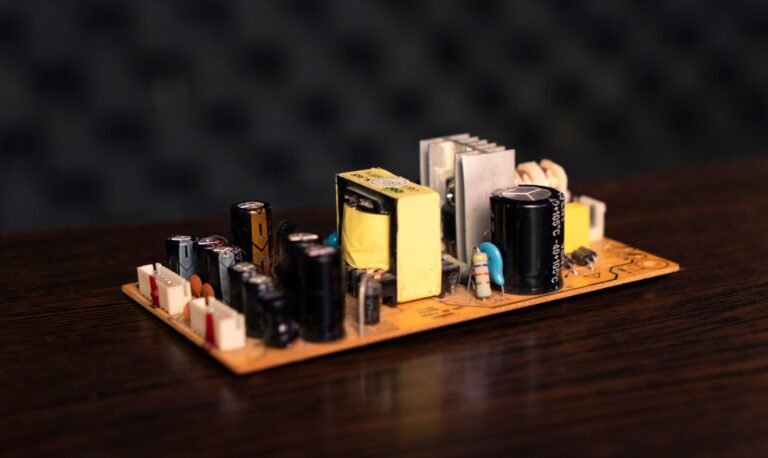
How Long Do Golf Cart Controllers Last? Lifespan Guide
How long do golf cart controllers last? Most last 8-15 years. Learn what shortens controller life and the warning signs of failure.
Open guide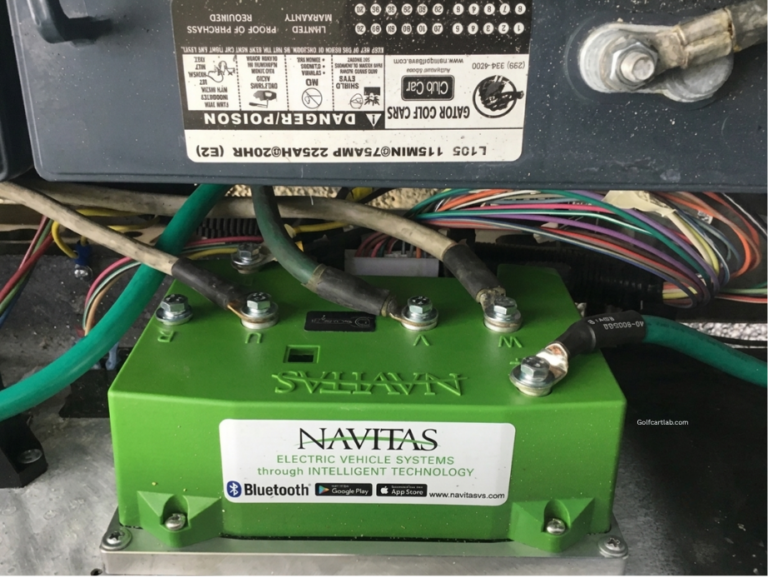
Golf Cart Controller Upgrade: Amps, Solenoid & Cable
Golf cart controller upgrade guide: how controller amps set torque, matching the solenoid and cable, and why you must upgrade the whole drivetrain together.
Open guide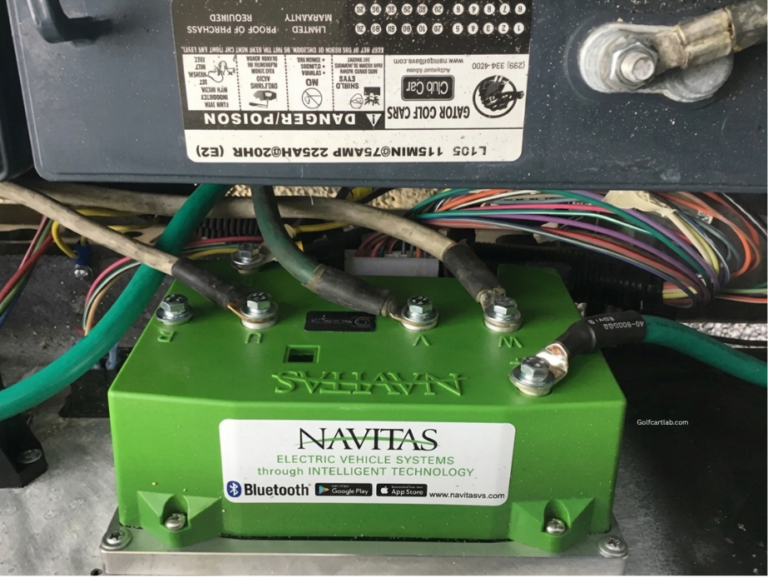
Is a Golf Cart Controller Upgrade Worth It? Honest Verdict
Is a golf cart controller upgrade worth it? An honest look at the torque gains, the parts you must upgrade with it, and who should skip it.
Open guide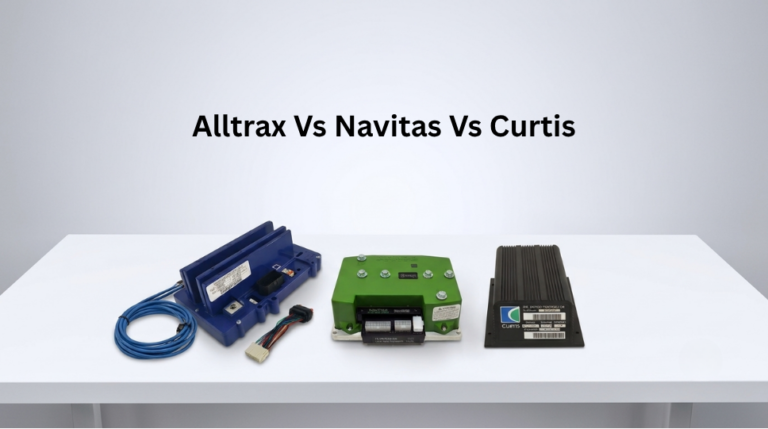
Alltrax vs Navitas vs Curtis: Best Controller (2026)
Alltrax vs Navitas vs Curtis golf cart controllers compared, honest buyer guide on performance, features, price, and which to choose.
Open guide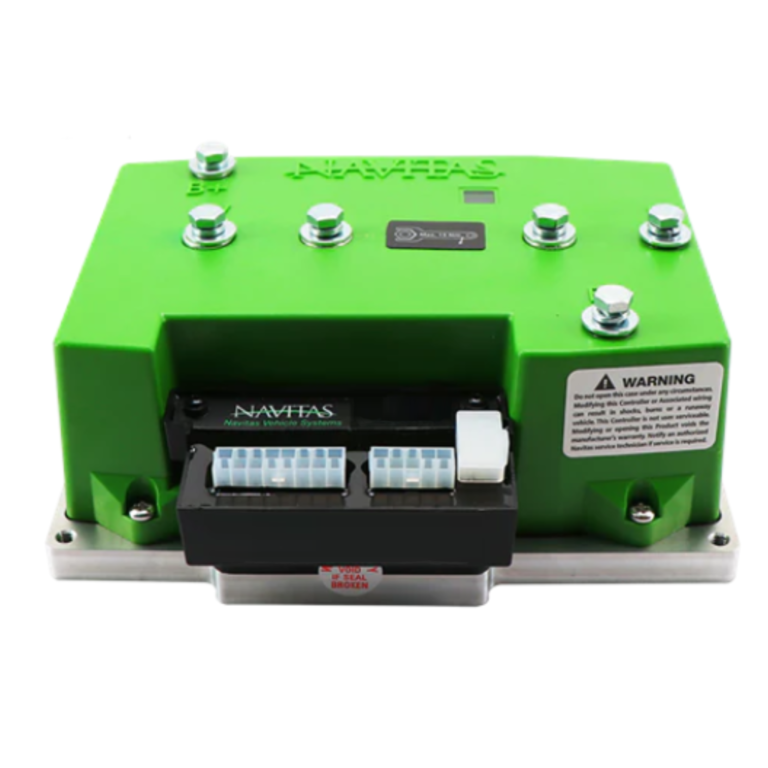
Navitas Controller Review: Honest 2026 Verdict
An honest Navitas TSX 3.0 controller review, Bluetooth tuning, regen braking, real owner feedback on setup quirks, and whether it is worth it.
Open guide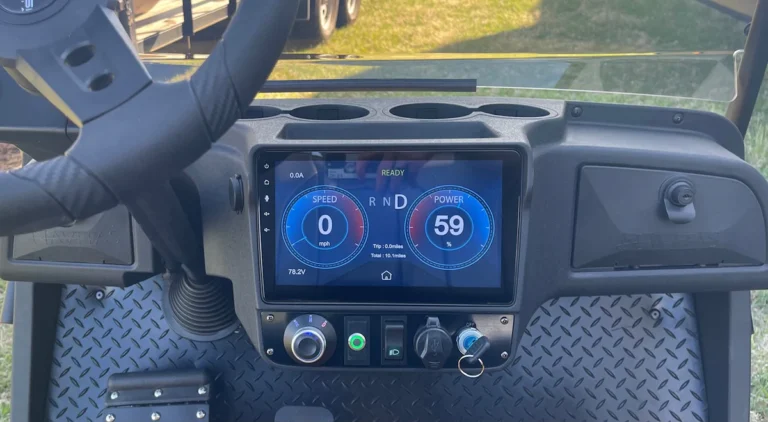
ICON Golf Cart Error Codes: Code List, Meanings & Fixes
Seeing an error icon or fault code on your ICON dash? Learn how to read ICON golf cart codes, what the common ones mean, and how to clear them.
Open guide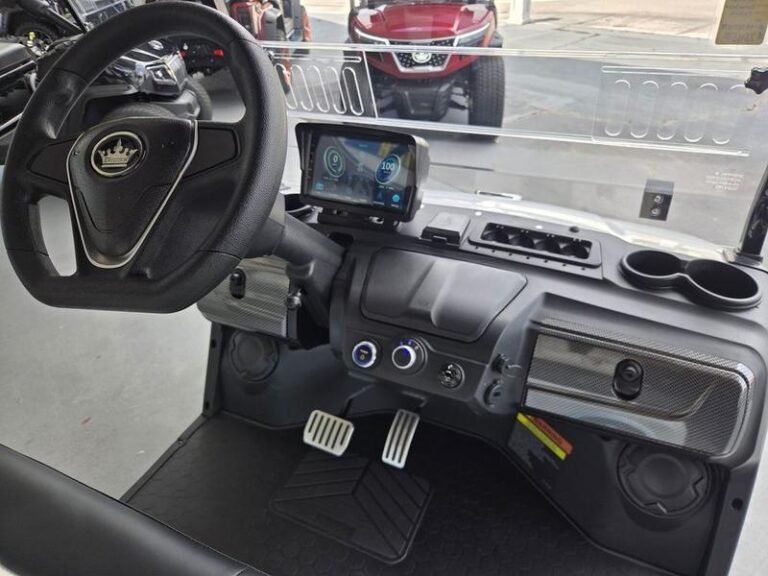
Evolution Golf Cart Error Codes: Read & Fix Guide
Evolution golf cart error code or dash warning? Learn how to read battery, charger, throttle, brake, speed and controller faults before clearing them.
Open guide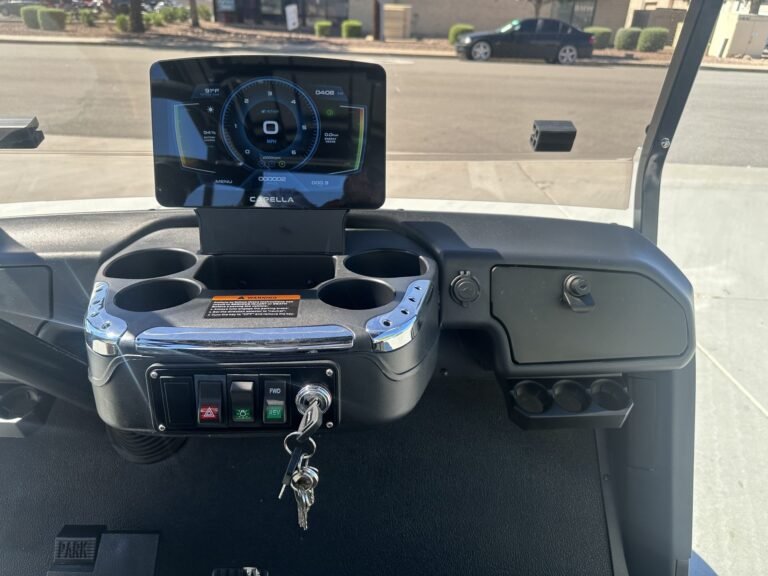
Star EV Golf Cart Error Codes: Read & Fix Guide
Star EV golf cart error code or dash warning? Learn how to read battery, charger, throttle, brake, speed and controller faults.
Open guide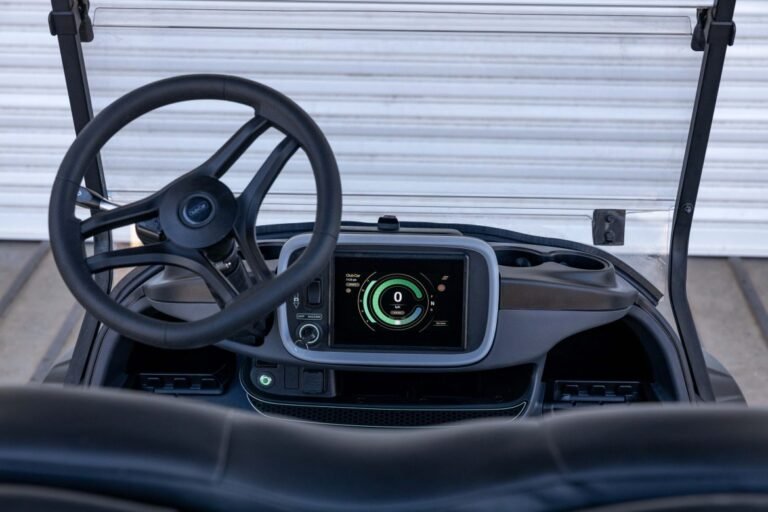
Club Car Onward Fault Codes: Read & Fix Guide
Club Car Onward fault codes explained: read the controller's light flashes and fix the throttle, solenoid, OBC and pack faults behind a no-drive Onward.
Open guide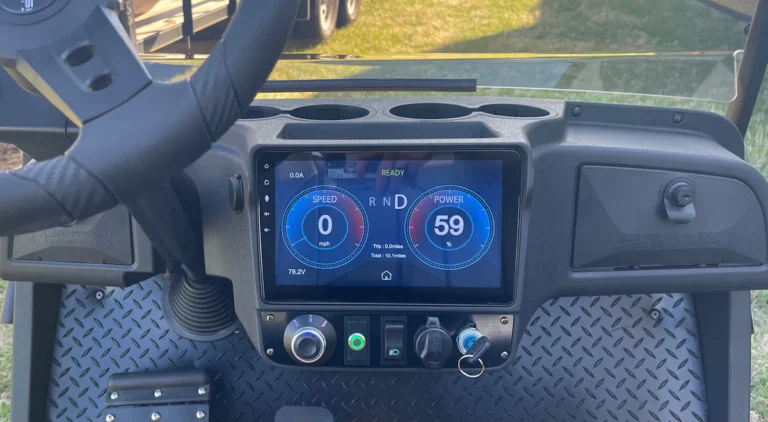
Yamaha Drive2 Beeping Codes: What They Mean
Yamaha Drive2 beeping codes explained: decode the key-on, constant, and intermittent beeps and fix the speed sensor, F&R switch, or contactor behind them.
Open guide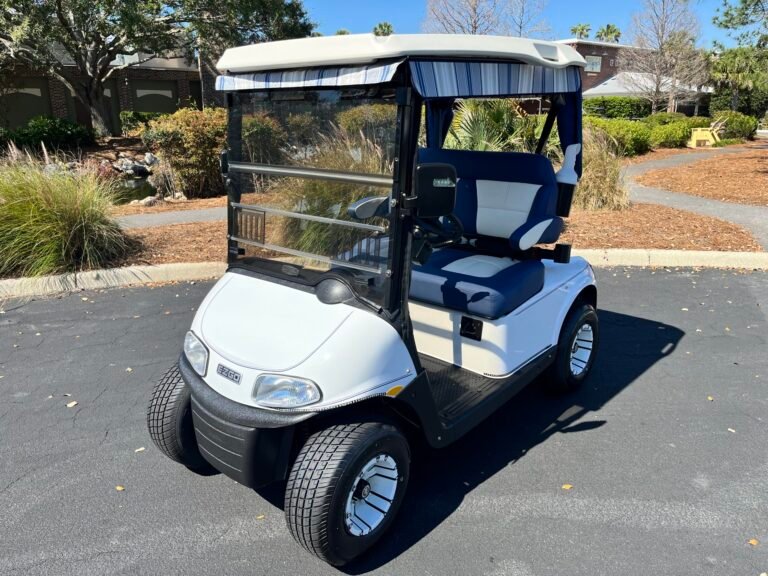
EZGO RXV Won’t Move: Fault Codes & Fix Guide
EZGO RXV won't move? Read the controller fault-code flashes, check the motor brake, throttle (ITS) and pack, and fix the most common RXV no-drive causes.
Open guideHow a golf cart controller actually works
The controller is the only part of the cart that decides things. Everything else either reports a condition or obeys one. It reads the key input, the direction switch, the throttle signal and, on newer carts, a speed sensor and a pack level from the battery management system. From those inputs it decides how much current to pass to the motor, using pulse width modulation to vary effective power rather than a resistor bank like carts used decades ago.
The practical consequence is that the controller is almost always the messenger, not the fault. It reduces power because a sensor told it something out of range, because pack voltage sagged below a cutback threshold, or because its own temperature climbed. Reduced speed, blinking dashes and beep codes are the controller reporting a condition it was designed to detect. Replacing it without reading what it is reporting is how owners spend several hundred dollars and keep the original problem.
The failure modes behind most controller complaints
Five patterns cover most of what shows up in this archive:
- Low voltage cutback misread as controller failure. Symptom: full power on flat ground, sharply reduced power on hills, worse as the pack ages. The controller is limiting current to protect a sagging pack, exactly as designed.
- Throttle input out of range. Symptom: no response for the first part of pedal travel, surging, or a fault code naming the throttle. A worn sensor track sends a value the controller cannot interpret, so it refuses to act on it.
- Thermal cutback. Symptom: strong for ten minutes, then progressively weaker, recovering after it sits. Common after a controller upgrade where the amp rating rose but the mounting and airflow did not.
- Speed sensor or encoder fault. Symptom: limp mode, a specific code, and on some models a rollaway warning. The controller cannot confirm motor speed, so it will not release full power.
- Corroded connectors and grounds. Symptom: intermittent codes that come and go with bumps or weather. The controller sees signal noise as a genuine fault because it has no way to tell the difference.
What to read first, and the numbers that matter
Read the fault before touching hardware. Most brands blink or beep a code even without a handheld programmer.
1. Count the code. Note the blink or beep pattern exactly, including pauses, and match it against the code guide for your brand. The code narrows the search from the whole cart to one circuit.
2. Pack voltage under load, measured at the controller terminals rather than the batteries. Voltage that is fine at the pack but low at the controller is a cable or connection problem, and it produces controller symptoms.
3. Throttle signal sweep, backprobed at the controller plug while the pedal moves slowly. Smooth and continuous is healthy. Any dead spot or jump is the fault the code is describing.
| Condition | Typical reading | Controller response | Where to look |
|---|---|---|---|
| Normal 48V operation | 46 to 50 V at controller | Full current allowed | No action |
| Low voltage cutback | Below about 42 V under load | Power reduced progressively | Pack, cables, terminals |
| Throttle fault | Signal outside 0.5 to 4.5 V | No output or limp mode | Throttle sensor, MCOR |
| Thermal cutback | Case over about 75 C | Current tapered by temperature | Mounting, airflow, amp rating |
| Speed sensor fault | No pulse signal | Limp mode, rollaway warning | Sensor, wiring, magnet ring |
| Main contactor fault | No coil voltage or welded | Refuses to enable drive | Solenoid, coil circuit |
Thresholds vary between Curtis, Alltrax and Navitas units, so use these as decision points rather than exact factory limits. The pattern matters more than the number: a fault that tracks load is electrical, and a fault that tracks time is thermal.
Which guide do you need?
If your cart is showing a code, blinking or beeping, go straight to the error code guide for your brand and decode it before anything else. If it is slow or stuck in limp mode with no code, start with the speed sensor and pack voltage guides. If you are considering an upgrade, the controller upgrade and comparison guides cover the amp, solenoid and cable changes that have to happen together. If the cart fades after ten minutes of use, treat it as thermal and check mounting and airflow first.
Before unplugging a controller: turn the key off, set the run and tow switch to tow, and disconnect the main pack negative. Controllers hold a charge in their capacitors after power is removed, and the large terminals can arc hard enough to weld a wrench to the case.