YAMAHA DRIVE2 BEEPING CODES
A beeping Yamaha Drive2 is trying to tell you something. This guide decodes the key-on, constant, and intermittent beep patterns and points you at the part behind each one.
- Reverse-only beeping is normal reverse alarm behavior, not a controller fault code.
- Public Yamaha owner documents do not publish one complete Drive2 beep-code table for every configuration.
- For dash or controller-area beeps, record the source, trigger, rhythm, and repeat count before cycling the key.
When an electric Yamaha Drive2 beeps, the controller is reporting a fault through its speaker module, the pattern is the message. A short beep at key-on is a normal self-test pass; a repeating or constant beep means the controller found something it doesn’t like, usually in the speed sensor, the forward/reverse switch sensor, or the contactor. The first step is always to locate where the beep comes from and count its pattern, then match it to the system below.
01 : Locate the Beep Before You Diagnose
Yamaha Drive2 beeping codes are often misunderstood because not every beep is a fault code. The first job is to locate the sound: reverse alarm, charger, lithium battery pack, dash/controller area, or an accessory. Yamaha Drive2 AC owner manuals publicly confirm a reverse alarm check: move the drive select switch to REV and the alarm should sound. That beep is normal reverse warning behavior, not a repair code.
Yamaha public owner manuals and current product pages do not publish one complete Drive2 beep-code table that covers every gas, flooded lead-acid AC, and lithium Drive2 configuration. Some service manuals may include electrical diagnostic or error-code material, but public owner documents mostly cover operating checks, reverse alarm behavior, charger LED codes, tow switch handling, and when to consult a dealer. This article therefore separates verified public patterns from measurement methods and refuses to invent exact beep counts.
| Beep source or pattern | Likely system | First test | Next action |
|---|---|---|---|
| Alarm only when selector is in REV | Reverse alarm | Move selector between FWD, neutral, and REV. | Normal if it sounds only in reverse. Repair only if missing or sounding in the wrong position. |
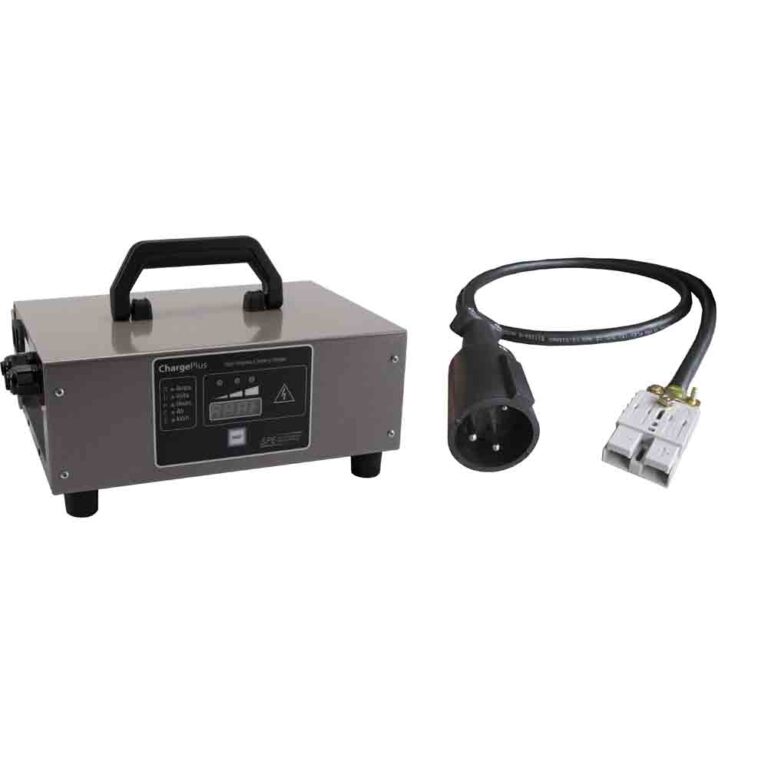
| Beep or alert from charger area while plugged in | Charger or battery charge system | Read charger LEDs, not just sound. | Use the charger manual’s LED count or fault table. |
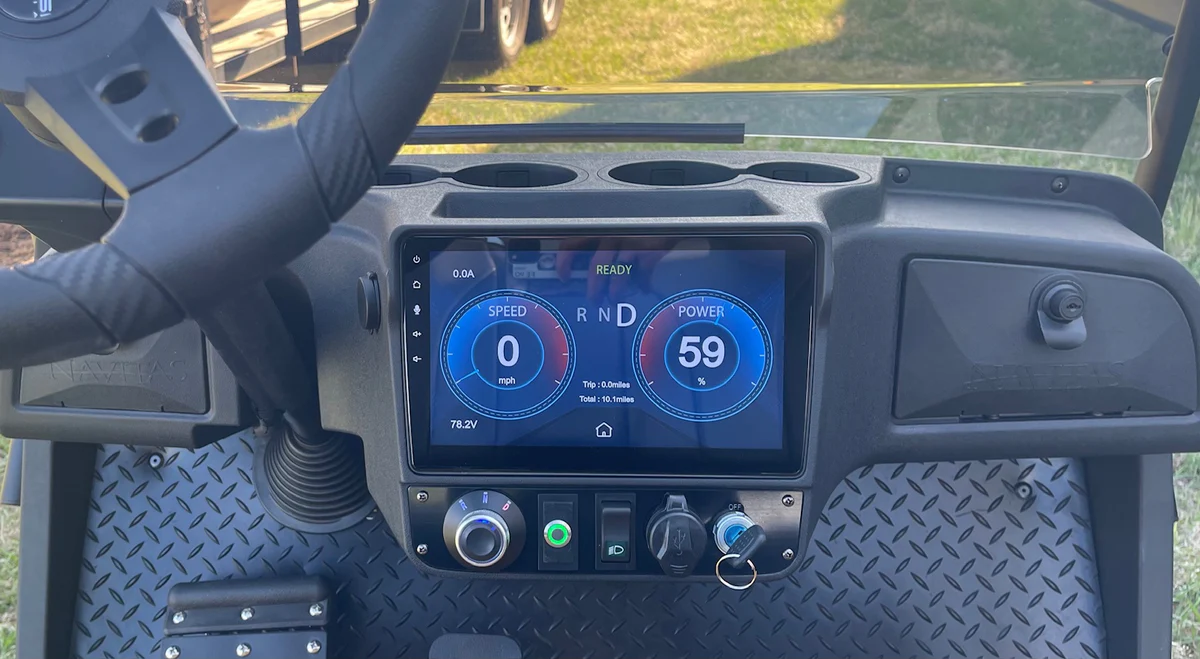
| Repeated tone from dash/controller area at key-on | Drive-enable or controller fault | Record the pattern and check pack voltage, tow switch, F/R switch position, and contactor action. | Use Yamaha service diagnostics for the exact model. Do not guess a code number. |
| Tone changes when accelerator is pressed | Throttle, speed sensor, or drive-enable input | Check pedal return, speed sensor connector, F/R switch, and controller enable path. | Stop parts swapping and test the input that changes the beep. |
| Gas Drive2 beeps in reverse only | Reverse buzzer | Confirm selector is in REV. | Normal warning behavior. Gas Drive2 owner documents do not publish broad engine beep-code diagnostics. |
02 : Common Yamaha Drive2 Beeping Codes and Patterns
The safest rewrite is this: there is no complete public Yamaha Drive2 beep-pattern chart located in current public owner manuals. Published owner documents verify the reverse alarm and charger LED procedures, while Yamaha service-level diagnostics are model, battery, controller, and year specific. Any article that assigns a universal meaning to a random count of Drive2 beeps without naming the manual and model year is overreaching.
- Reverse alarm: verified public manual behavior. The alarm should sound when REV is selected.
- Charger LED faults: verified in charger manuals. Count red flashes between pauses on chargers that use that system.
- F/R or tow-switch clues: likely when the beep appears as the selector is moved or the cart will not enable drive.
- Speed-sensor or throttle clues: likely when the beep appears only with pedal movement, speed limiting, or surging.
Current Yamaha Drive2 fleet specs identify 48V AC motors, Toyota Industries motor control units, six 8V flooded batteries on the standard AC model, lithium options on PowerTech Li, and Delta-Q chargers on electric variants. Those differences are why one beep answer cannot cover every Drive2.
03 : Speed-Sensor Beeps
If the beep appears only while accelerating, or it comes with surging, speed limiting, or inconsistent regenerative braking, inspect the speed feedback path. On an AC Drive2, the controller needs clean speed information to manage torque and protection. A loose connector, damaged harness, debris at the sensor, or a magnet/sensor issue can create a fault without leaving a simple visual clue.
Do not publish a specific beep count for the speed sensor unless your service manual lists it for the exact Drive2 model and controller. The field method is still useful: record the beep, note whether it happens at key-on or only under pedal, lift and secure the rear wheels if testing requires rotation, inspect the speed sensor and harness, and check whether the symptom changes during a gentle harness wiggle. The EZGO RXV reduced-speed / limp-mode guide shows the same general controller-protection principle, but its codes do not transfer to Yamaha.
04 : F&R Switch Sensor and Contactor
A beep that starts when you move the selector, or a beep with no movement, belongs in the drive-enable path. Start with the easy checks: main switch on, tow/run switch in the correct position, drive select switch fully in FWD or REV, parking brake released as designed, pack voltage present, and battery cables clean. Yamaha manuals emphasize tow switch position and normal FWD/REV selection because an invalid state can keep the vehicle from enabling drive.
Next, listen and measure at the contactor. A contactor that never closes may indicate that the controller is refusing enable because a required input is missing. A contactor that closes but drops out under pedal may indicate pack sag, coil feed loss, bad contacts, or a controller-protection event. Measure voltage drop across closed main contacts and verify the control signal according to the service manual. If the beep changes as the F/R switch is moved, inspect the switch and harness before replacing the controller.
05 : Gas Drive2: It’s Probably the Buzzer
On a gas Drive2, the public owner manuals support a much narrower claim: the reverse alarm should sound when reverse is selected, and normal starting uses the drive select lever or switch before pressing the accelerator. They do not publish a broad gas engine beep-code table for fuel, spark, or EFI faults in the public owner information reviewed here. If your gas Drive2 beeps only in reverse, that is the reverse warning. If it beeps in forward, beeps with the key off, or beeps from an added accessory, locate the actual buzzer or module before diagnosing the engine.
If the gas cart will not start at all, that is a separate fuel, spark, battery, and interlock diagnosis covered in the Yamaha Drive2 won’t start fuel-system guide. Do not treat a normal reverse buzzer as proof of an EFI fault.
06 : Bottom Line
Yamaha Drive2 beeping codes are only useful after you identify the sound source. Reverse-only sound is the verified reverse alarm. Plugged-in charger alerts should be decoded from charger LEDs and the charger manual. Dash or controller-area beeps need the exact Drive2 service information, battery type, and controller configuration before assigning a code. If Yamaha has not published a complete public beep table for your cart, count and record the pattern, test pack voltage, tow switch, F/R switch, contactor, throttle, and speed sensor in order, and refuse universal beep-code guesses.
How to count a beep code without a manual
Sit in the cart with the key off and record video with audio. Turn the key on, wait without touching the pedal, then move the selector through FWD, neutral, and REV, and finally press the accelerator only if it is safe to do so. Write down four facts: source location, trigger, rhythm, and repeat count between pauses. A count is only meaningful if it repeats the same way. Pair that recording with the model year, serial number, battery type, charger model, and whether the cart is gas, flooded-lead electric, or lithium. That information lets a Yamaha dealer or service manual match the real code instead of guessing from a vague description.
Drive2 beeps only help after you know the sound source. Reverse-only sound is normal warning behavior, charger alerts follow charger LEDs, and controller-area beeps need the exact model pattern recorded before diagnosis.
FAQ
What do Yamaha Drive2 beeping codes mean?
They only mean something after you identify the sound source and pattern. Reverse-only sound is the reverse alarm, charger alerts follow charger LED logic, and controller-area beeps need the exact model and service data.
Does Yamaha publish a complete Drive2 beep-code table?
The public owner documents reviewed do not publish one complete table covering every gas, lead-acid electric, and lithium Drive2 configuration. The article avoids assigning unverified universal beep counts.
Why does my Drive2 beep and won’t move?
Start with pack voltage, tow/run position, drive selector position, parking brake logic, contactor action, throttle input, and speed sensor wiring. A beep with no movement means the cart is refusing drive-enable until the missing input is found.
How should I count a Drive2 beep pattern?
Record video with audio from key-on through selector movement and safe pedal input. Write down source location, trigger, rhythm, and repeat count between pauses, then match that to the exact model and service information.