Advanced EV Golf Cart Won’t Turn On: Battery, Converter, Fuse, and Key Checks
Trace a dead Advanced EV from the lithium pack and charger wake state to the DC converter, fuse block, ground path, key switch, display feed, and hidden accessory loads.
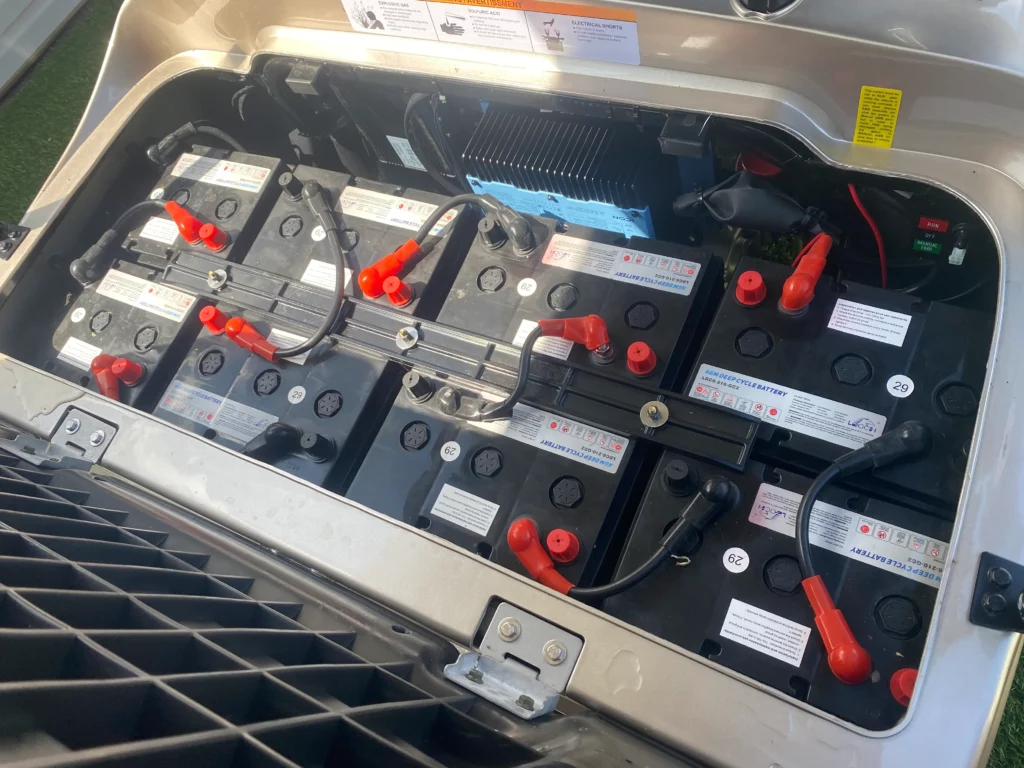
- Identify the battery label and charger before applying any voltage assumption.
- Eco Battery Advent bundle data supports 51.2V lithium options with CAN charging and a remote wake kit.
- No dash power often points to DC converter, fuse, ground, key switch, or display feed rather than the motor.
- A dead cart after storage should be charged and woken with the battery maker procedure, not bypassed.
When an Advanced EV golf cart will not turn on, separate two failures: no high-voltage battery output and no 12V or key-switched accessory power. A charger may still respond, a lithium pack may be asleep, and a DC converter or fuse can leave the dash dead even when the main pack is healthy.
Start at the Battery and Charger State
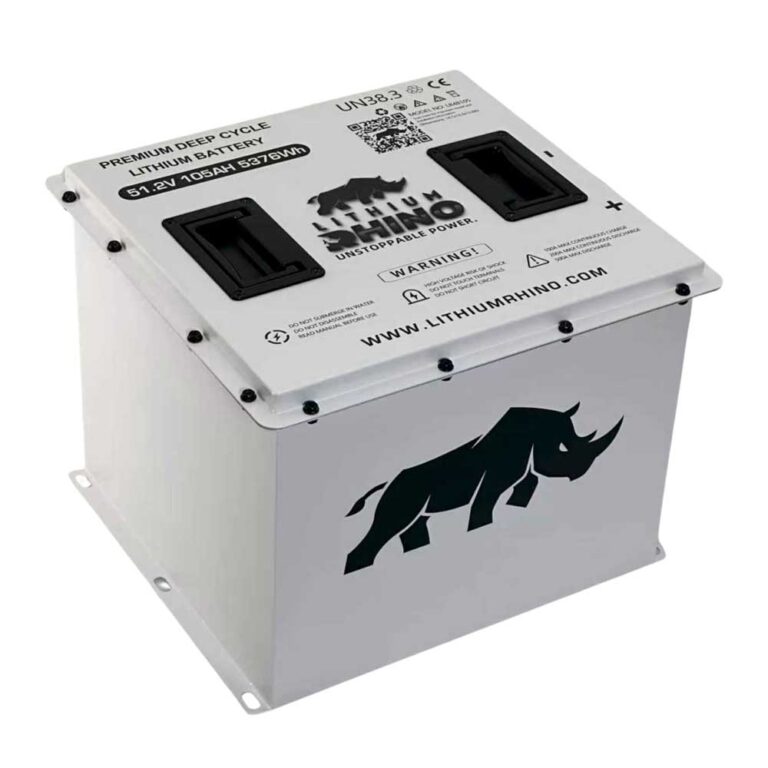
Begin with the installed battery label. Public Advanced EV and Eco Battery sources support 51.2V Advent lithium options, but older carts and conversions vary. If the cart was stored, deeply discharged, or left cold, the pack may need a proper charger handshake or wake procedure before the vehicle side comes alive.
| Checkpoint | Good sign | Bad sign |
|---|---|---|
| Battery label | Eco Advent bundle data lists A-051105-01, a 51V 105Ah LiFePO4 Gen3 battery, when that kit is installed | Unknown pack, mismatched charger, or no battery label confirmation. |
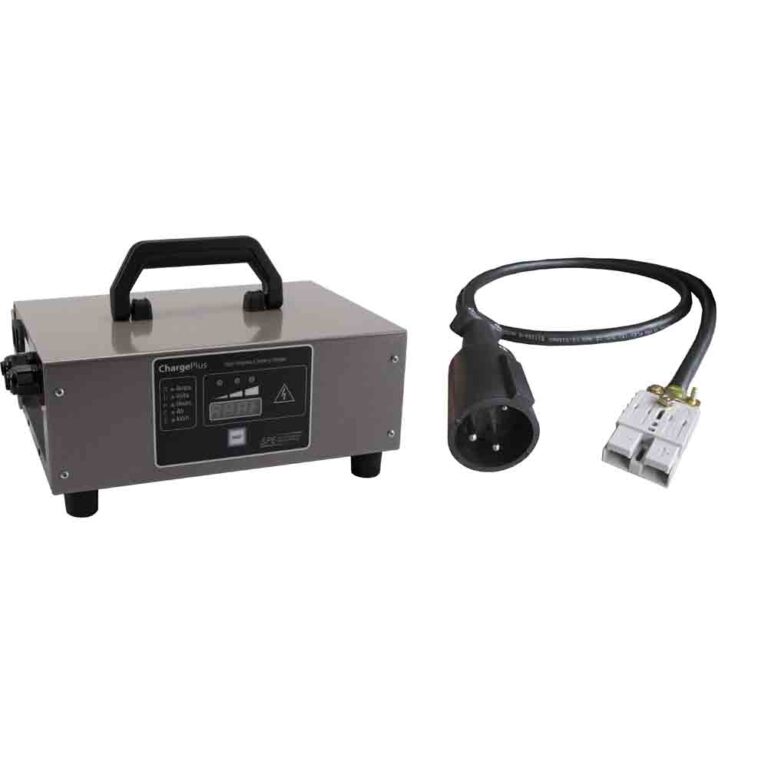
| Charger start | Eco A-1055 is the matching 38V-51V 15A CAN charger in the documented Advent bundle | No start, instant fault, wrong voltage charger, or missing CAN hardware on a CAN-equipped lithium setup. |
| Pack output | Main pack voltage is present at the battery and at the vehicle feed | Zero output, sleeping BMS state, or blown high-current path. |
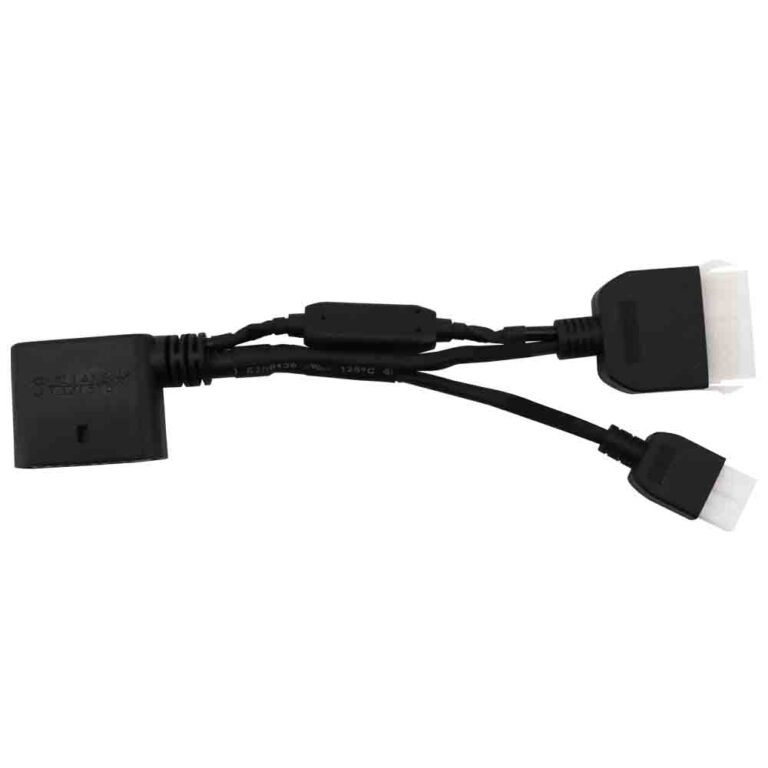
| Wake circuit | Eco A-4220 remote wake-up kit or the installed battery maker’s wake process works | Pack stays asleep after the correct charger and wake process. |
| Vehicle feed | The public Advent wiring diagram shows key switch, fuse box, DC-DC, charger receptacle, relay, USB, horn, flasher, brake-light switch, and buzzer circuits in the power path | No published Advent fuse-amp table or DC-DC output rating was verified, so the converter label and fuse-block markings must be checked directly. |
Measure Pack Voltage and 12V Converter Output
A modern electric golf cart can have healthy pack voltage but a dead dash if the DC-to-DC converter or its fuse path fails. The public Advent wiring diagram identifies a DC-DC converter, fuse box, relay, key switch, USB connector, cigarette lighter, horn, flasher, brake-light switch, and other 12V loads. It does not publish a verified Advent-exact converter output such as 13.5V/20A, so do not invent that number.
- Set the cart safely in neutral with the brake applied.
- Measure main pack voltage at the battery output.
- Measure converter input voltage on the high-voltage side.
- Read the DC-DC converter label for its rated input, output voltage, and output amperage, then measure output near the 12V fuse block or accessory bus.
- If output is missing, inspect converter fuse, ground, and connector before replacing the display.
Trace Fuses, Grounds, and Accessory Loads
A blown accessory fuse, loose negative, corroded ground, or failed add-on circuit can kill the control feed. The public Advent wiring diagram verifies a fuse box in the key/accessory/DC-DC path, but it does not publish a reliable public fuse-amperage table for every Advent circuit. Confirm voltage on both sides of each fuse with the key in the correct position, then isolate added lights, radios, USB ports, and sound systems that may have pulled the circuit down.
- Check main and accessory fuses with a meter, not only by sight.
- Use the fuse-block label or owner/dealer parts data for amperage, not a universal internet fuse size.
- Confirm the ground path from converter output to the dash circuit.
- Disconnect recent accessories if the fuse opens again.
- Look for water intrusion behind the dash and switch panel.
Test the Key Switch and Display Feed
If battery and 12V converter checks pass, test the key switch. ManualsLib’s Advent wiring-diagram mirror shows the key switch in the same diagram set as the combination switch, F/R switch, relay, fuse box, DC-DC, charger receptacle, accelerator, brake-light switch, encoder, speed sensor, and sensor wiring. The diagram confirms the circuit path to test, but not a universal wire color or fuse amp for every production year.
Voltage into key
Present input means the upstream battery, converter, fuse, and ground path is alive.
Voltage out of key
Missing output with the key on points to switch or connector failure.
Display power and ground
Good switched power still needs a stable ground at the display.
Accessory conflict
Aftermarket wiring can pull down the same fuse-box or DC-DC-fed circuit and make the cart look dead.
Deep Discharge and Storage No-Power Checklist
Storage failures deserve patience. Charge the pack with the correct charger, confirm the battery can wake, and do not jump around the BMS. If the pack will not accept charge, diagnose the charger, charge port, battery temperature, and BMS state before condemning the key switch or display.
No power is a path test. Battery output, charger wake, converter output, fuse continuity, ground, key switch, and display feed should be proven in order.
Frequently Asked Questions
Why is my Advanced EV completely dead?
A completely dead Advanced EV can have a sleeping or discharged lithium pack, wrong charger state, failed DC converter, blown fuse, bad ground, failed key switch, or display feed issue.
Can a lithium battery sleep after storage?
Yes. Some lithium systems can enter a protective sleep state after storage or deep discharge. Use the battery maker wake procedure and correct charger instead of bypassing the BMS.
Can a bad key switch make an Advanced EV look dead?
Yes. If voltage enters the key switch but does not leave with the key on, the dash and controller enable circuit may stay off.