Star EV Golf Cart Won’t Charge: Diagnosis & Fix
Star EV charging faults usually involve the charger identity, charge port, pack disconnect, or a BMS that is asleep or refusing charge, worked through with Star EV’s own Capella and Sirius charger documentation.
- Capella’s public manual lists an onboard 48V/18A charger, while Sirius names a Lester Summit II 1050W 22A lithium charger.
- No public Star EV source confirms Delta-Q as the OEM charger, match your charger label instead of assuming a brand.
- A red flashing Lester light means a fault occurred, slow flashing needs deeper troubleshooting than quick flashing.
- Battery sleep mode can require a key cycle, and on 80Ah/105Ah/160Ah packs, the battery power button too.
- STAR and Capella manuals both say do not charge below 32°F or above 113°F, a cold garage can pause charging by design.
Lithium charging is a conversation between the charger and the battery. On the Capella, the charger may not output current until it sees the pack correctly, so a quiet charger does not automatically mean the charger is bad. This guide identifies the actual documented Star EV charger for your model before troubleshooting further.
01: Confirm the Charger Starts
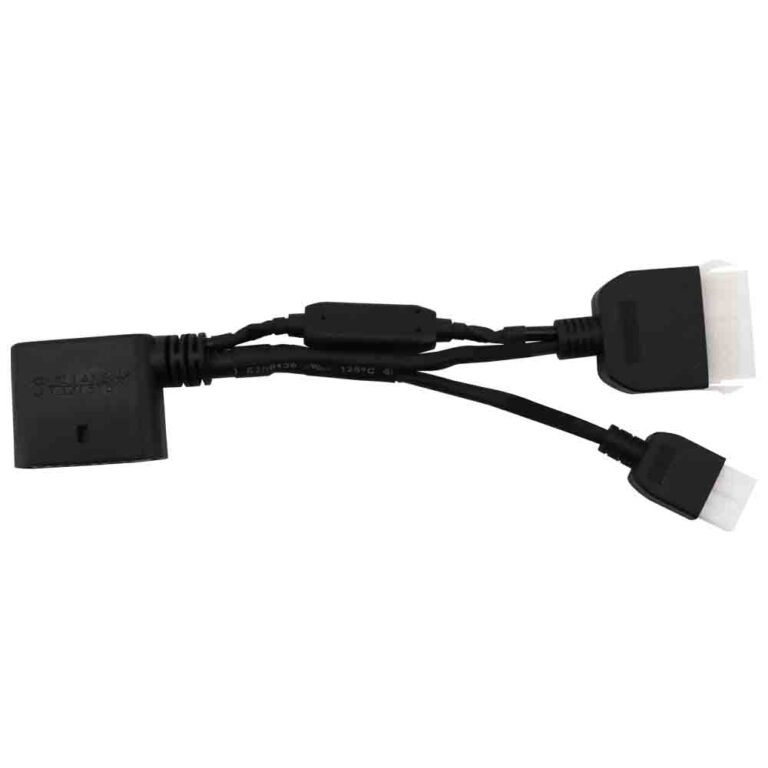
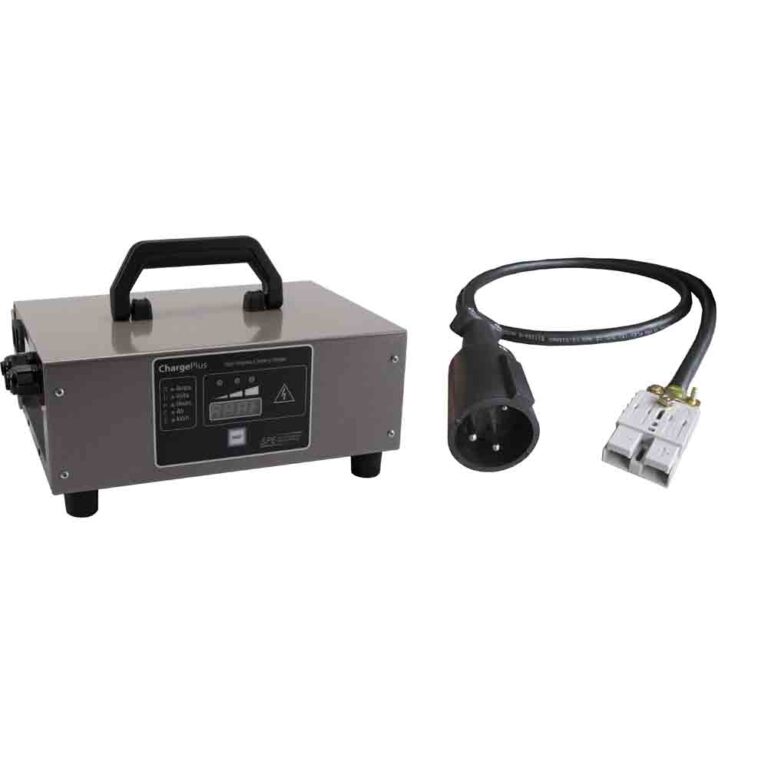
Test the outlet first, then identify the charger you actually have. No public Star EV source confirms Delta-Q as the OEM charger for the Capella or Sirius lithium lineup, so do not diagnose the cart from a generic Delta-Q assumption. The documentation for these carts points in two directions: the Capella owner manual lists an onboard 48V/18A charger, while the Sirius owner manual names a Lester Summit II 1050W 22 Amp charger for lithium charging. Match the charger label, battery label, and cart manual before buying anything.
- Outlet: Confirm AC power with another device.
- Correct charger: Match pack voltage, lithium profile, connector, and charger label.
- Timing: Lester says Summit II onboard chargers initiate the charge sequence when AC voltage is detected, while shelf mode requires DC voltage detection.
02: Inspect the Charge Port
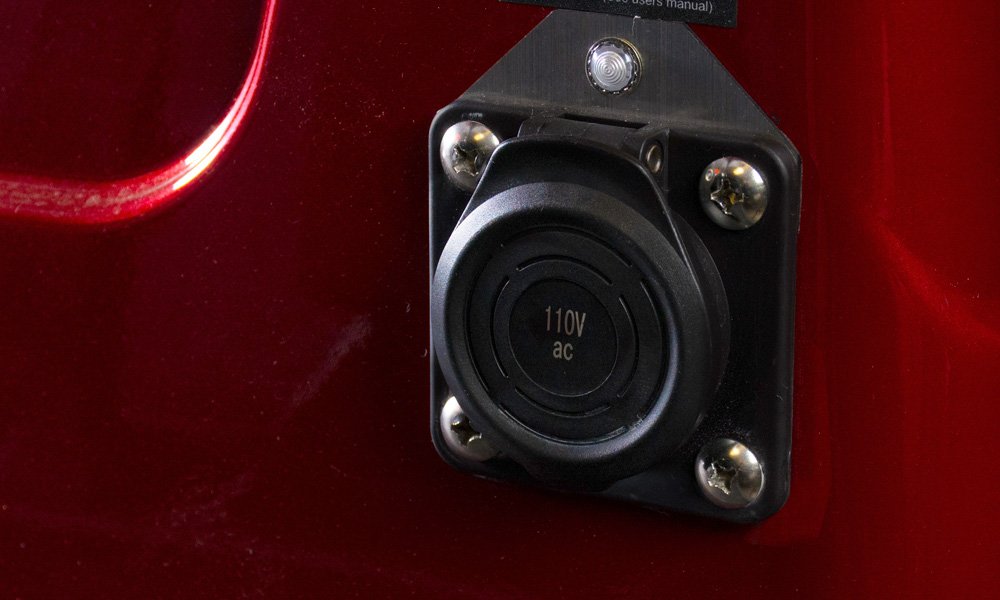
The charge receptacle can collect water and dirt. Bent pins, corrosion, loose mounting, or heat marks can stop the charger from seeing the pack. The Capella manual says the charger connector must be completely inserted in the vehicle receptacle and that connector parts must be clean, undamaged, and protected from damage.
| Finding | Verified Context | Action |
|---|---|---|
| Capella onboard charger label | Capella manual lists onboard 48V/18A charge equipment for lithium-capable models. | Use a 48V lithium charger matched to the pack and connector, do not assume a Sirius charger spec fits. |
| Sirius Lester charger label | Sirius manual names Lester Summit II 1050W 22 Amp charger, 1050W for lithium and 650W for lead acid. | Use Lester ChargerConnect or the charger LEDs to read status before replacing the charger. |
| Blue LED on charger, no charge | STAR lithium troubleshooting says if AC power is available, the blue LED should be lit, then use Lester ChargerConnect for diagnostics. | Confirm all three charger cords are secure, then check the app and port connection. |
| Red flashing charger light | Lester support says red flashing means a fault occurred during the charge cycle, slow flashing is more serious than quick flashing. | Read the charger fault pattern or app detail instead of guessing. |
| Green too soon or charger off | Could be a full pack, open disconnect, bad port contact, wrong profile, or a pack below the charger start threshold. | Measure pack voltage and match the charger label before buying parts. |
03: Wake the BMS
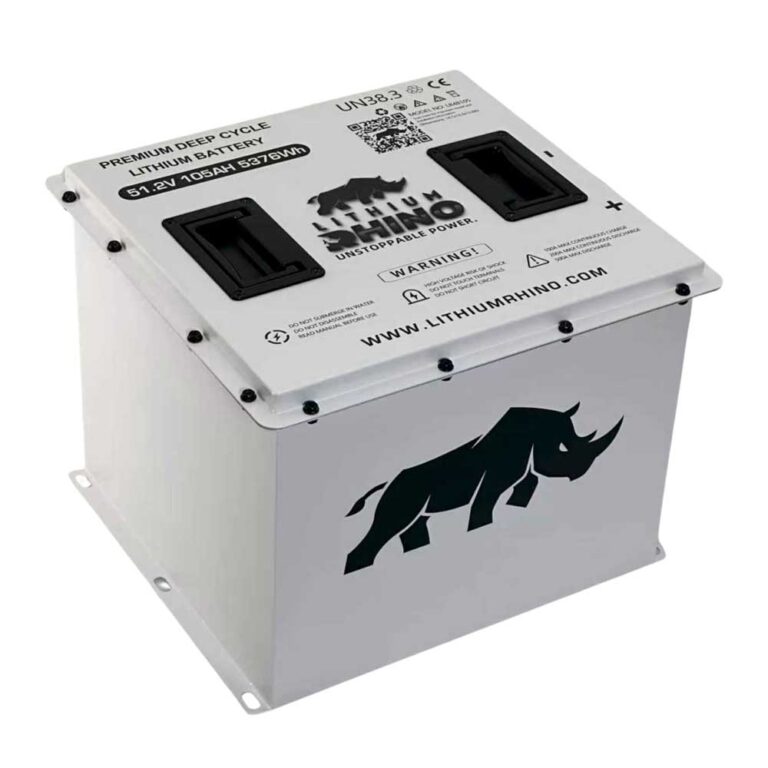
If the cart sat unused, turn the disconnect off, wait, turn it on, and plug in the correct charger. STAR’s lithium manual says the pack has a sleep mode that turns power off after 1 hour of key power with no driving, if that happens, cycle the key, and on 80Ah, 105Ah, and 160Ah batteries press the battery power button. If the pack will not wake and the cart is also dead, use the no power guide.
04: Measure Before Replacing Parts
- Pack output: Check battery voltage with the disconnect on.
- Port wiring: Inspect the receptacle harness, ground path, and connector seating.
- Charger identity: Capella documentation supports onboard 48V/18A charging, Sirius documentation supports Lester Summit II 1050W 22 Amp for lithium, your label wins when the cart differs.
- Charger behavior: Lester support says newer Summit or E-Series chargers need approximately 15 VDC for startup, while low packs may require dealer recovery.
- BMS fault: Battery warnings belong with the battery problem guide.
06: How Star EV Lithium Charging Actually Behaves
Star EV charging is not one universal Delta-Q procedure. For Capella, the public owner manual lists onboard 48V/18A charging and says all vehicles have an interlock system that disables the controller and prevents operation or tow while the charger is connected. For Sirius, the public owner manual names Lester Summit II 1050W 22 Amp charging and says the charger has profiles for lead acid and lithium batteries. Lester’s own support page says Summit II chargers use LED lights for operation status, support ChargerConnect profiles, can accept 120 and 240 VAC input, and can be left connected in storage mode after a manual charge session completes.
That matters because a quiet charger can mean several different things: no AC power, a port contact problem, waiting for enough DC pack voltage to start, storage mode, or a BMS condition preventing charge. Record the exact light state, the charger make and model, the battery Ah rating, and the pack voltage before calling the charger bad.
The charge receptacle takes abuse on any cart stored outdoors, and Star EV units are no different. Grit and moisture collect in the port, and a single bent pin or a film of green corrosion can break contact even when the heavy power contacts look clean. Inspect each pin, clean the contacts, and repair heat-damaged parts before spending money on a charger. There is also a published lithium temperature rule: the STAR lithium manual and Capella manual say not to use the charger on the battery under 32°F, and not to charge above 113°F. If the battery is at or below freezing, warm it before charging, a Star EV that will not charge on a cold morning may be protecting the pack, not failing.
The highest-value test on any no-charge Star EV is a voltage reading at the pack with the disconnect on. That number sorts the problem into a genuinely low pack, a normal resting pack refusing charge, or a pack already full. A healthy 48V lithium pack that still will not accept charge points at BMS status, charger profile, charger label mismatch, or port contact. A very low reading may mean the pack tripped a low-voltage cutoff and needs a specific wake or dealer recovery access. Whatever replacement charger you buy, match it to the Star EV pack voltage, chemistry, connector, and BMS requirements: Capella public docs verify 48V/18A onboard charging, Sirius public docs verify Lester Summit II 1050W 22 Amp lithium charging, and no public Star source confirms Delta-Q as the OEM charger for these carts.
Most Star EV no-charge faults are charger identity, charge port, disconnect, pack wake state, cold battery, low pack voltage, or charger fault-code problems. Prove the outlet, charger label, port, and pack state before buying a charger.
Frequently Asked Questions
Why won’t my Star EV golf cart charge?
Common causes are a dead outlet, wrong charger, damaged charge port, open disconnect, sleeping BMS, low pack voltage, or battery fault.
Why does my Star EV charger turn green right away?
The charger may not be seeing the pack correctly, the battery may be full, or the BMS may be refusing charge. Check the charge port and pack voltage.
Can I use any lithium charger on a Star EV?
No. Use a charger matched to the pack voltage, chemistry, connector, and BMS requirements.