Evolution Golf Cart Won’t Charge: Diagnosis & Fix
Charging faults on Evolution lithium carts usually trace to the charger handshake, charge port, BMS wake state, or a pack that has dropped below its normal start threshold, not a dead battery.
- A charger light glowing does not prove current is flowing, confirm with SOC climb or a clamp meter.
- The single most common cause is a sleeping BMS after deep discharge or long storage, not a dead pack.
- Evolution’s own C4825 charger publishes real LED fault codes, use them before buying a new charger.
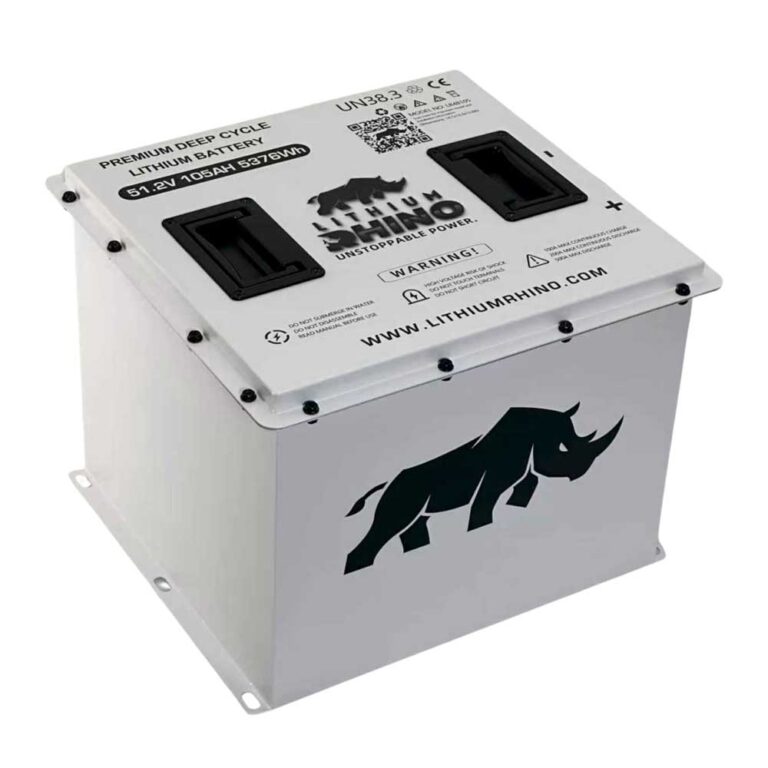
- Pack voltage varies by model: 48V nominal on Evolution’s 48V packs, 51.2V nominal if the L48110 is installed.
- Store the cart at a moderate charge and top it up periodically to avoid deep-discharge BMS lockout.
The Classic 4 Plus and D5 Ranger use lithium packs, so a no-charge complaint is not the same as old lead-acid troubleshooting. The charger and BMS have to agree before current flows, and if either side refuses the handshake, the charger may stay dark or shut off early. This guide walks through confirming the charger is really starting, inspecting the charge port, waking a sleeping pack, and reading Evolution’s own published charger fault codes before you spend money on parts.
01: Confirm the Charger Is Really Starting
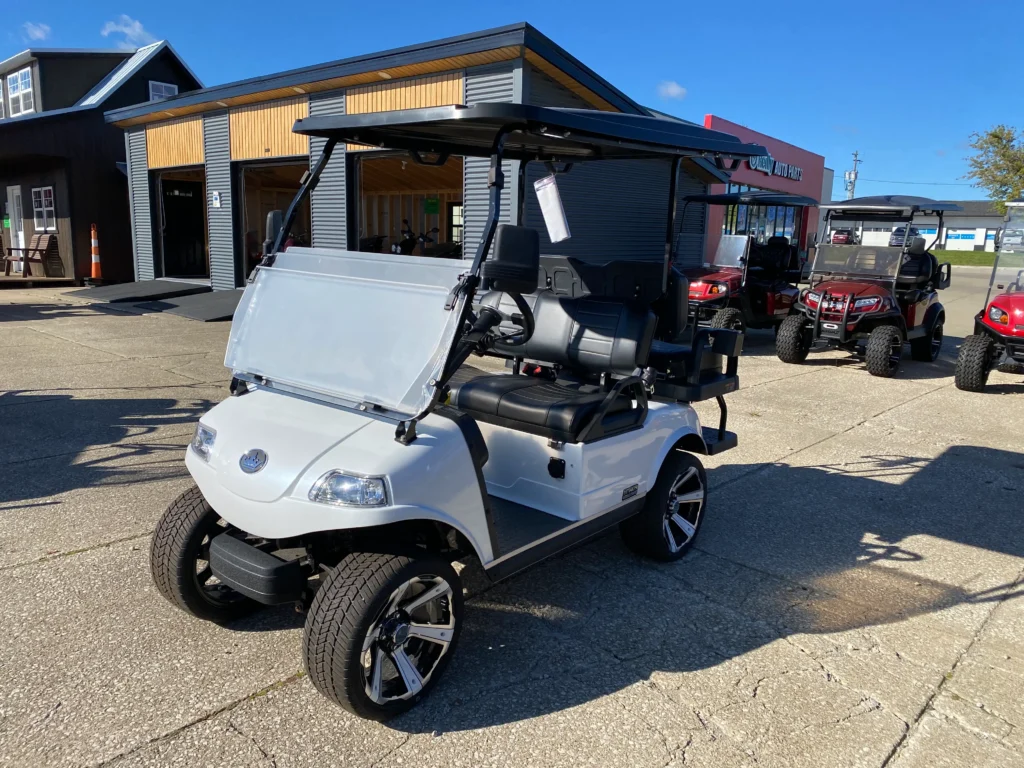
Evolution carts (Classic 4 Plus, Forester, D5, EV2.5, roughly 2021 onward) ship with a lithium-profile charger matched to the LiFePO4 pack, and it must complete a handshake with the BMS before it delivers current. A fan spinning or a light glowing does not prove it is charging. Confirm current is actually flowing by watching the state of charge climb on the dash over 15 to 20 minutes, or by clamping the charge lead with a DC clamp meter, you should see several amps to tens of amps. If the charger powers up but no current flows, the problem is the handshake, the pack, or the port, not the wall outlet.
Plug the charger into a known good outlet first, then into the cart. Watch the charger lights and listen for its fan or relay. A charger that never changes state is different from one that starts and shuts off quickly.
- Outlet power: Test the outlet with another load or a receptacle tester.
- Charger lights: Note whether the light stays off, flashes, turns red, or goes green too soon.
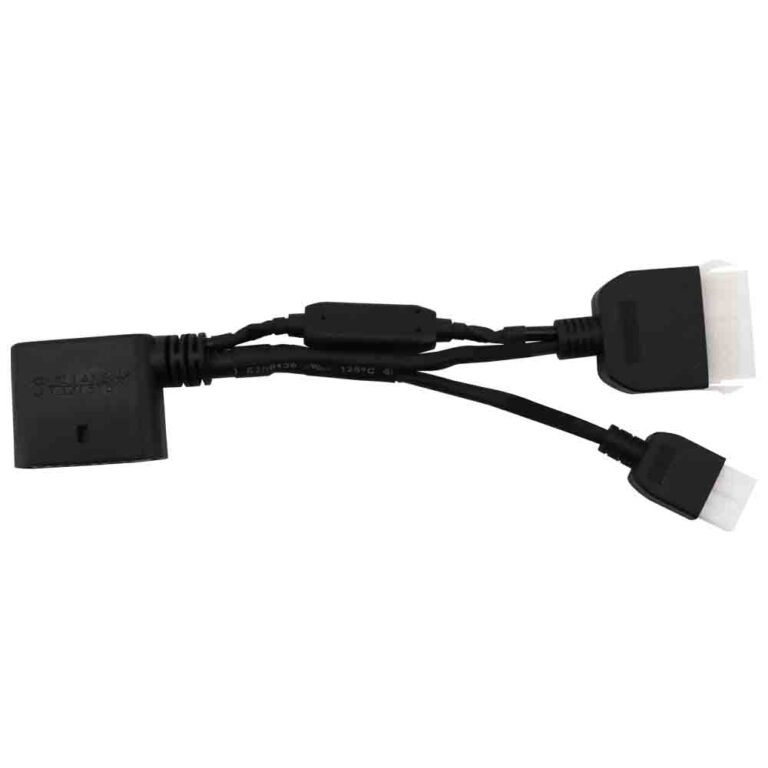
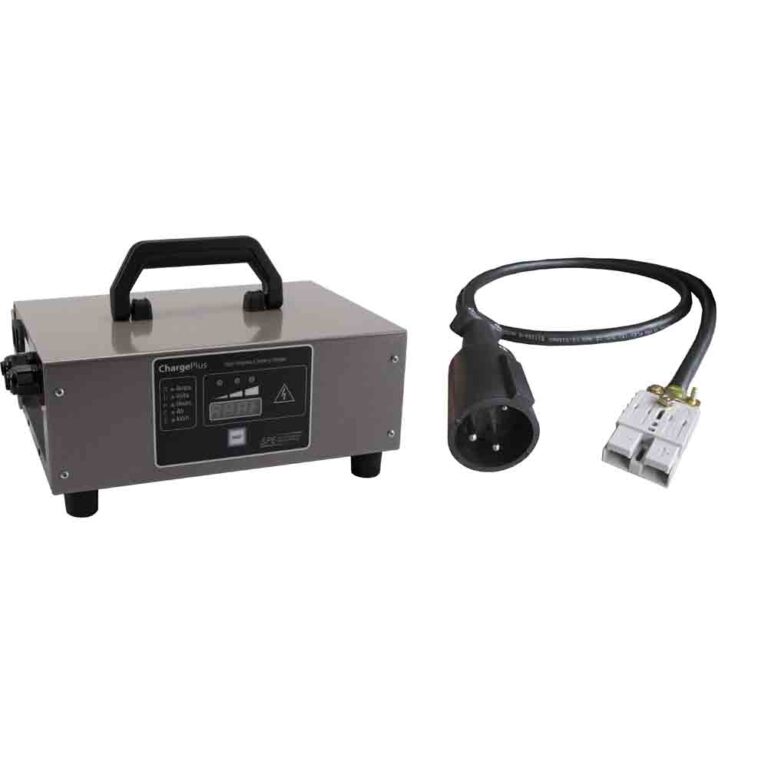
- Correct charger: Use a lithium charger matched to the Evolution pack voltage and connector.
02: Inspect the Charge Port and Pins Closely
The charge receptacle lives where rain, dust, and repeated plug cycles can damage pins. Look for bent contacts, green corrosion, a loose port, or heat discoloration. Any of those can block the charger handshake even when the battery is healthy.
| Port Finding | Likely Cause | Fix |
|---|---|---|
| Bent pin | Forced plug angle | Replace or repair port |
| Green corrosion | Moisture in connector | Clean contacts and seal cap |
| Hot plastic smell | Loose high current contact | Stop charging and replace damaged parts |
03: Waking a Sleeping LiFePO4 Pack
This is the single most common Evolution “won’t charge” cause, and it is not a failure at all. When a LiFePO4 pack is drained too low or left sitting for weeks, the BMS goes into a protective sleep (or low-voltage cutoff) and disconnects the pack from the terminals. The charger then sees no pack to talk to and refuses to start. Many Evolution chargers and BMS units have a wake procedure: plug the charger in and leave it connected for several minutes, or cycle the main battery disconnect switch, and the BMS re-wakes and accepts charge. On stubborn cases the fix is to briefly apply a small voltage to nudge the BMS awake, which is best left to a dealer to avoid bypassing the safety cutoff.
If the cart sat unused, the BMS may shut down to protect the cells. Turn the main disconnect off, wait ten seconds, turn it on, then plug in the charger and leave it connected long enough for the charger to recognize the pack. Some batteries need a short delay before charging current begins.
If the cart has no power at all, use the Evolution no power guide to confirm the pack output and main fuse before blaming the charger.
04: Pack Voltage & Evolution’s Own Charger Fault Codes
Before you spend money on a new charger, put a meter on the pack and stop using one generic “52 to 54V” rule. Evolution’s current public specs point to two common cases: many Classic and D5 carts are 48V nominal packs, while the Evolution L48110 pack is 51.2V nominal if that exact battery is installed. The D5 Series Plus brochure lists 48V system voltage and 48V 105Ah or 48V 160Ah lithium battery models, while Evolution’s lithium battery page lists 48V 105Ah, 48V 160Ah, and 48V 205Ah packs plus the 51.2V 110Ah L48110. The safe field wording: 48V nominal on Evolution 48V packs, 51.2V nominal if L48110 is installed. Match the battery nameplate before deciding a charger, port, or BMS has failed.
| Evolution Pack Check | Verified Number | What It Means |
|---|---|---|
| L48110 nominal voltage | 51.2V, 110Ah, LiFePO4 | The real nominal spec for the L48110 pack, not a generic 48V estimate. |
| L48110 low-voltage disconnect | 41.6V | An L48110 driven or stored below its cutoff can look dead at the port even though the BMS just opened. |
| L48110 max charge voltage | 58.4V | A lithium charger profile for this pack should not be judged by lead-acid full-charge numbers. |
| L48110 over-voltage recovery | Automatic at 54.4V or below | If the BMS opened for over-voltage, it should recover only after voltage falls back into range. |
| Common D5 Series Plus packs | 48V 105Ah or 48V 160Ah | Use the installed battery label or Evolution data sheet for cutoff and charge ceiling, the brochure confirms voltage and Ah but not every BMS threshold. |
Evolution’s own charger PDF names one public charger model: the C4825. Its data table shows a rated 48V output, 25A max output current, 1200W max power, and a battery-model line covering L4860, L48110, L48130, L48165, and L48180. It also shows a gray two-pin high-current charging plug in the illustration, but the PDF does not publish an Anderson, SB, or other connector family name, so order parts by the charger label and the actual port shell rather than a guessed connector name.
| Charger Light or Fault | Evolution Manual Meaning | First Check |
|---|---|---|
| Red LED solid or flashing | Charging | Let it run and confirm state of charge rises over 15 to 20 minutes. |
| Solid green | Charge complete | If it turns green immediately, measure pack and port voltage before condemning the charger. |
| Red and green flashing in order | Use the troubleshooting table | Count the pattern, then inspect pack voltage, port contact, and AC input. |
| No load | Loose battery or charger connection, defective battery, or battery voltage too low | The published clue that a sleeping or low pack can look like a charger failure. |
| Over voltage or over current | Fault returns after restart | Do not keep cycling power. Have the charger and pack checked. |
| Input AC abnormality | Input voltage or plug contact problem | Test the wall outlet, extension cord, and AC plug before replacing cart parts. |
Delta-Q chargers are a separate case. Official Delta-Q QuiQ documentation for LED behavior, red-flash fault counts, and profile matching is publicly verifiable, but there is no public Evolution source confirming this article’s target carts shipped with a specific Delta-Q model. If your Evolution has a Delta-Q replacement charger, use the Delta-Q model number on the charger case and its manual instead of the C4825 light table.
The Evolution quirk to remember: these carts genuinely dislike deep-discharge storage. Left uncharged over winter, the pack can self-discharge into BMS protection and appear dead. The right habit is to store the cart around mid state of charge, check it periodically, and top it up before it reaches the BMS cutoff. That keeps the cells balanced and avoids the whole no-charge headache.
- Pack output: Measure voltage at the battery output with the disconnect on.
- Charge port voltage: If safe and accessible, verify the port is connected to the battery side of the circuit.
- Charger label: If the charger is C4825, use Evolution’s charger table. If it is Delta-Q or another replacement, use that charger’s manual.
- BMS fault: If pack voltage is missing or unstable, continue with the Evolution lithium battery guide.
Most Evolution charging failures are a communication problem between charger, port, and BMS, not a ruined battery. Prove the outlet, inspect the charge port, wake the pack, and measure pack voltage against the correct model spec before buying a charger.
Frequently Asked Questions
Why won’t my Evolution golf cart charge?
Common causes include a dead outlet, wrong charger, damaged charge port, open battery disconnect, sleeping BMS, low pack voltage, or a battery fault.
Why does my Evolution charger turn green right away?
That usually means the charger is not seeing the pack correctly, the pack is already full, or the BMS is refusing charge. Check the port and pack voltage.
Can I use any lithium golf cart charger on an Evolution?
No. Use a charger matched to the pack voltage, chemistry, connector, and BMS requirements. The wrong charger can fail to start or damage the battery.