ICON Golf Cart Beeping or Blinking: Causes & Fix
A beeping or blinking ICON is communicating, not broken. Here is the verified pattern table for chargers, meters, and dash warnings.
- ICON does not publish a universal numbered beep-count system for the cart itself.
- Real numbered codes do exist: ICON charger flashes (1-6) and Eco Battery meter DTCs (E02-E17).
- Reverse beep and key-on chime are normal and by design.
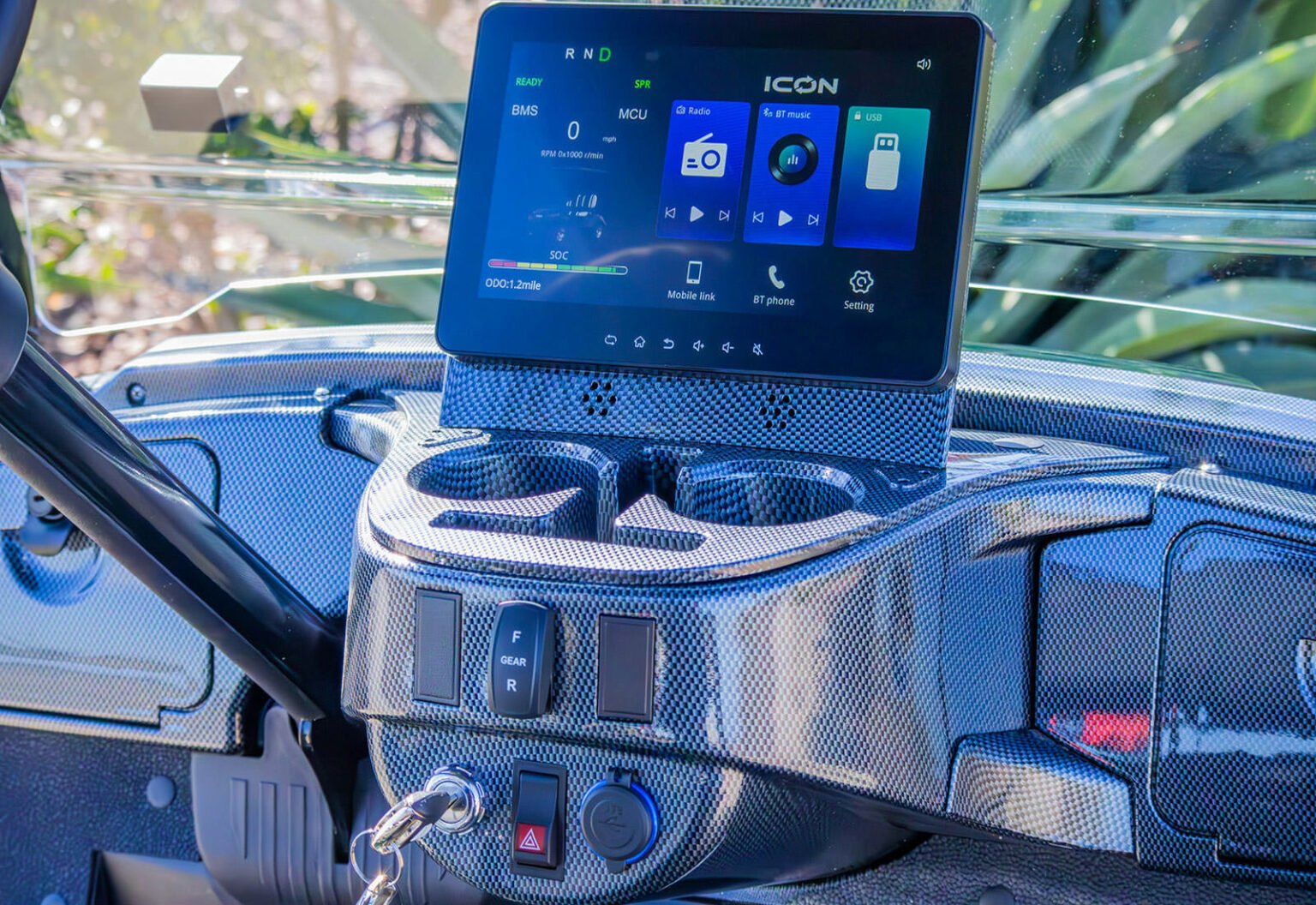
- Low SOC display turns red at 19% or below, per Eco Battery’s own color bands.
- Record the exact pattern, charger LED, and dash icon before cycling the key.
An ICON that beeps or blinks is trying to tell you something, and the meaning ranges from completely normal to a real fault. Some beeps are by design, like the reverse warning. Others signal a low battery, a fault the controller has detected, or a safety interlock. Knowing which is which keeps you from chasing a problem that is not there, and from ignoring one that is. This guide sorts the common ICON beeps and blinks into normal, warning, and fault, using verified charger and battery documentation rather than guesswork.
01: Normal Beeps You Can Ignore
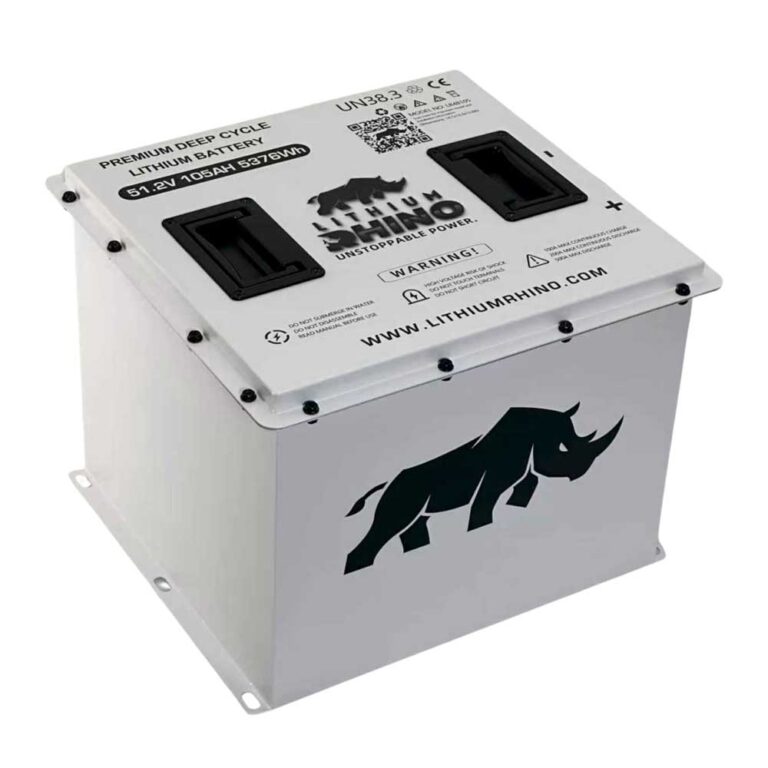
ICON EV carts (the i20, i40, i60 and EV lineups, built from roughly 2019 onward, running a 48V or 72V LiFePO4 lithium pack) use beeps and blinking indicators for both harmless status messages and real faults, so step one is knowing which is which. The reverse warning beep is normal and federally required on a low-speed vehicle; the single beep at key-on is a self-test. A steady, repeating beep or a beep paired with a blinking dash light is different, that is the controller or BMS trying to tell you something. Note the exact pattern (how many beeps, how fast, whether a light blinks with it) before you cycle the key.
- Reverse beep: A repeating beep only in reverse is the backup alarm. It is supposed to do that.
- Key-on chime: A brief tone at power-up is a normal self-check on many units.
Verified Beep and Blink Pattern Table
Source note: ICON does not publish one universal numbered beep-code system for the cart itself. What is verified are numbered charger flash faults, Eco Battery meter trouble codes, battery LED states, and dash warning pairings. Treat any unsourced “three beeps means X” claim as a guess unless your dealer confirms it from the exact controller or display fitted to your cart.
| Pattern | Meaning | What to Do |
|---|---|---|
| Reverse only, backup tone present | Normal factory safety alert | No repair needed. Confusing this with a forward/neutral fault beep is the main mistake. |
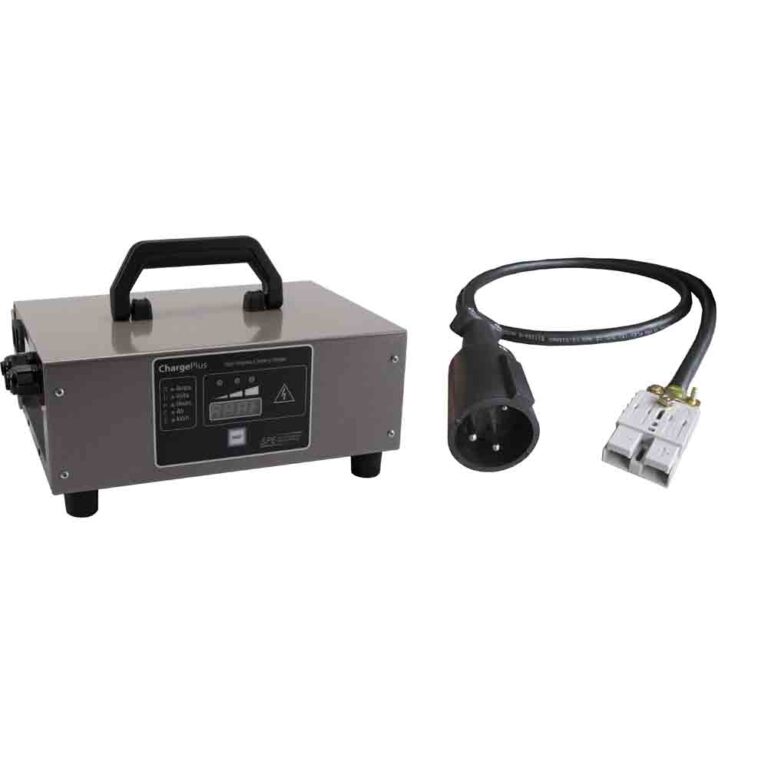
| Eco Battery charger LED blinking red | Normal charging in progress | Let it finish; confirm battery is powered on and CAN plug is seated. |
| Eco Battery charger LED solid green | Charge cycle complete | Unplug if done. Charger is not a float maintainer, charge above 50% before storage over 15 days. |
| ICON charger fault: 1 flash | Charge enable or battery temperature fault | Check connectors, verify battery temp is in the allowed charging range. |
| ICON charger fault: 2 flashes | Battery voltage too low or too high | Check pack voltage before and during charge. |
| ICON charger fault: 3 flashes | Charge timeout, or output reduced by high temp | Check connections, confirm charger profile matches battery, reset AC power 15+ seconds. |
| ICON charger fault: 4 flashes | Battery could not trickle up to minimum voltage | Check for shorted/damaged cells before repeating resets. Involve the dealer if it repeats. |
| ICON charger fault: 5 flashes | Charger shutdown from high internal temperature | Ensure charger airflow, reset AC power after it cools. |
| ICON charger fault: 6 flashes | Internal charger fault | Reset AC power 15+ seconds. If it returns, have the charger serviced, not the battery. |
| SOC display turns red at 19-0% | Low state of charge (Eco color bands: green 100-50%, white 49-20%, red 19-0%) | Charge the cart; avoid routinely driving below 20%. |
| Meter shows E03, E04, E05, or E07 | Cell/pack voltage problem | Record code and SOC. Full uninterrupted charge if charger operates normally; contact dealer if it returns. |
| Meter shows E08 or E09 | Discharge or charge over-current | Remove heavy load, hills, or stuck brakes from the equation. |
| Meter shows E10-E14 | Temperature fault (discharge/charge/MOS) | Move out of temperature extreme, let core battery temp recover. |
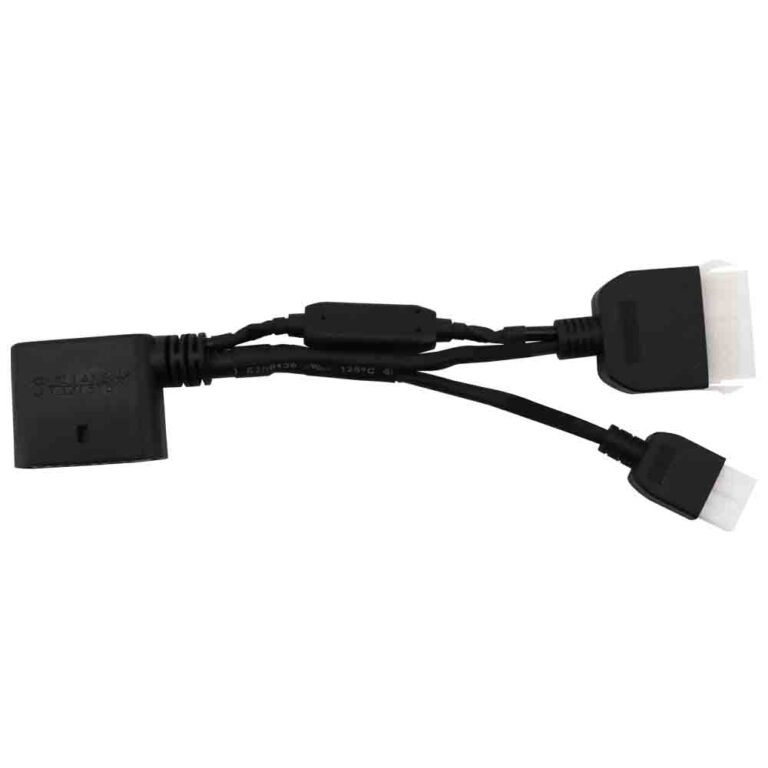
| Meter shows E16/E17 or BMS data disappears | Communication fault | Check CAN plugs at meter, charger, controller, battery. Have dealer verify CAN resistance. |
The practical rule is simple: count charger flashes, read meter codes, and photograph dash warnings. Do not turn a plain audible beep into a made-up fault number. If the cart only beeps in reverse, that is the reverse alert. If it beeps with a red SOC display, charge the pack. If it beeps with an E-code, warning icon, or BMS/MCU message, that visual clue is the diagnostic path.
02: Low-Battery Beeps and Blink Codes
The most common ICON beep is a low-state-of-charge warning. Because the LiFePO4 pack holds a flat voltage curve, the cart drives normally until the charge drops into the bottom fifth, then the BMS starts beeping and blinking to warn you before it cuts power to protect the cells. If the beeping started after a long drive or a few days off the charger, plug it in; the warning usually clears once the pack comes back up.
- Charge it: If the warning clears after charging, low battery was the cause. If the cart also went slow, see ICON reduced speed.
- Warning that returns after charging: Points to a pack or BMS issue, see ICON battery problems.
03: Fault Beeps With a Dash Warning
A beep paired with a warning icon or code is the controller flagging a fault. The beep gets your attention; the icon names the system. Read it and match it to a repair using our ICON error codes guide. Common triggers are throttle, speed-sensor, contactor and over-temperature faults. A fault beep that persists after a key cycle is a live problem to diagnose, not a glitch.
04: Blinking Lights and Wiring Faults
A blinking dash light on its own, or paired with a fault beep, usually points at the controller seeing a bad input. On ICON carts the frequent offenders are the throttle sensor, the main contactor, and the LiFePO4 BMS communication line. These carts are built with a lot of value-priced connectors, and water intrusion or a loose ground under the seat is a very common cause of intermittent beeping and blinking that comes and goes over bumps. Wiggle-test the harness and inspect connectors for green corrosion before condemning the controller or BMS.
If the issue is blinking headlights, taillights or turn signals rather than a dash warning, the cause is usually electrical: a turn-signal flasher doing its normal job, a bad ground, a failing bulb, or a wiring fault. A rapid turn-signal blink often means a burnt-out bulb on that side, the same as on a car.
For anything you cannot pin down from the pattern, the golf cart troubleshooter can guide you from symptom to cause.
An ICON beeping or blinking is communicating. Reverse beeps are normal, low-battery beeps clear after charging, fault beeps name a system to fix via the dash code, and blinking exterior lights are usually a bulb, ground or wiring issue.
Frequently Asked Questions
Why is my ICON golf cart beeping?
It depends on the pattern. A beep only in reverse is the normal backup alarm. A repeating beep with a low-battery icon means charge the pack. A beep with a fault warning means the controller has detected a problem, read the dash icon and match it to a repair.
Why are the lights blinking on my ICON cart?
Blinking dash icons are usually a low-battery or fault warning. Blinking exterior lights are typically electrical, a normal turn-signal flash, a burnt bulb (which causes rapid blinking on that side), a bad ground, or a wiring fault. Check bulbs and grounds first.
How do I stop my ICON from beeping?
Identify the beep first. Normal reverse beeps cannot and should not be disabled. Low-battery beeps stop after charging. Fault beeps stop when you fix the underlying problem and cycle the key; if they return, the fault is still active.