Advanced EV Golf Cart Beeping or Blinking: Causes & Fix
A beeping Advanced EV may be giving a normal reverse warning, a low battery alert, a charger reminder, or a fault warning. Use the verified FMVSS rules, Advent wiring components, and Curtis LED method to read the pattern correctly.

- There is no verified public Advanced EV table mapping every beep count and blink pattern to one meaning across all Advent years.
- FMVSS 500 requires LSV safety equipment including turn signals, and FMVSS 141 requires a reverse alert sound, so the reverse beep is not a fault.
- The Advent wiring diagram names a buzzer, flasher, horn, brake-light switch, charge receptacle, encoder, and speed-sensor path that beeps and blinks trace back to.
- A Curtis-equipped Advent gives a real two-digit red/yellow LED fault code, which is more reliable than counting dash beeps.
Because the Advent 4 is a modern LSV-style cart, audible warnings can come from safety, battery, charger, and controller systems. Identify when the beep happens before trying to stop it.
Separate normal from fault beeps
The single most useful thing you can do before touching anything is to notice when the Advent 4 beeps. The cart uses the same buzzer for very different jobs, so the timing of the sound is what tells you whether you have a real fault or a feature working exactly as designed. A steady beep that only sounds while you are in reverse is the backup alarm and nothing else. It is a federal safety expectation on a street legal LSV and is not a malfunction. A burst of repeating beeps that arrives with a dash warning icon, with the cart refusing to drive, or with a sudden drop to a crawl is a different animal and should be diagnosed by system rather than silenced.
Run through this quick mental checklist the moment the cart beeps: was it in reverse, at key-on, while plugged into the charger, when the battery gauge was low, when the parking brake was set, or in the middle of normal driving? Each of those six contexts points at a different subsystem, and naming the context first saves you from chasing the wrong part.
- Reverse only: Normal backup alarm. No repair needed. This is the cart confirming the direction selector is in reverse.
- Battery icon present: The pack or BMS is reporting low state of charge or a cell limit. Charge fully, then load-test before assuming a fault.
- Fault icon present: Photograph or record the icon and any code before you cycle the key, because a key cycle can clear a soft fault and erase your only clue.
- Beeps while charging: Treat it as a charge-system message, not a drive fault. The charger and port are the first suspects.
Pattern table with real sourcing
There is no verified public Advanced EV table that maps every Advent beep count, dash icon, and charger blink to one universal meaning. Treat any list that claims a specific beep count means one thing across all Advent years as suspect unless it came from the manual for that exact cluster, charger, or controller. The useful public data is component-level: FMVSS 500 requires LSV equipment including turn signals, stop lamps, parking brake, seat belts, and rear visibility, and FMVSS 141 requires an alert sound; the Advent wiring diagram names a buzzer, flasher, horn, brake-light switch, charger receptacle, encoder, and speed-sensor path; Eco Battery documents the A-1055 charger and BMS protection categories, but no public A-1055 LED fault legend was verified.
| Sound or blink | Verified context | What it most likely is | Action |
|---|---|---|---|
| Reverse-only sound | Advent wiring diagram shows a buzzer; LSV rules require an alert sound under FMVSS 141 | Normal safety alert | Do not disable it for road use. Diagnose only if the sound is new, distorted, or constant |
| Turn signal blink or fast click | FMVSS 500 requires front and rear turn signal lamps on LSVs | Lamp, flasher, socket, or ground problem | Inspect the corner that changed speed first, then check the flasher and ground |
| Beep with brake or no-drive behavior | Advent wiring diagram names the brake-light switch and controller inputs | Brake switch, parking brake, interlock, or controller inhibit | Confirm brake pedal return, parking brake release, and switch state before replacing the buzzer |
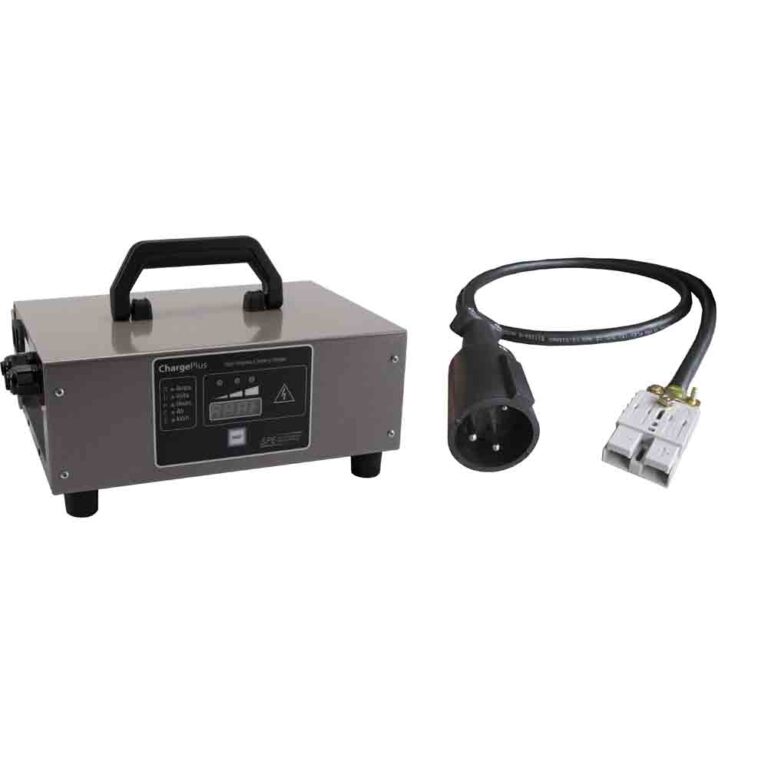
| Beep while plugged in | Eco A-1055 is a CAN charger for Eco Batteries in the 38V-51V range; no public A-1055 blink table was verified | Charger handshake, sleeping BMS, wrong charger, or charge-port issue | Match the charger SKU and pack label, then use the charger manual, EB Power app, or dealer data for LED meanings |
| Dash warning plus reduced speed | Curtis and Toyota controller documentation support temperature, voltage, current, contactor, and sensor faults | Protective limp mode rather than a buzzer failure | Photograph the icon or LED sequence before key cycling, then follow the reduced-speed or error-code guide |
| Red and yellow Curtis controller flashes | Advent manual explains the Curtis two-digit LED reading method | Controller fault code; red marks digit position and yellow gives the value | Read the controller LED sequence, not the dash beep count, before clearing the fault |
Battery, charger, and brake warnings
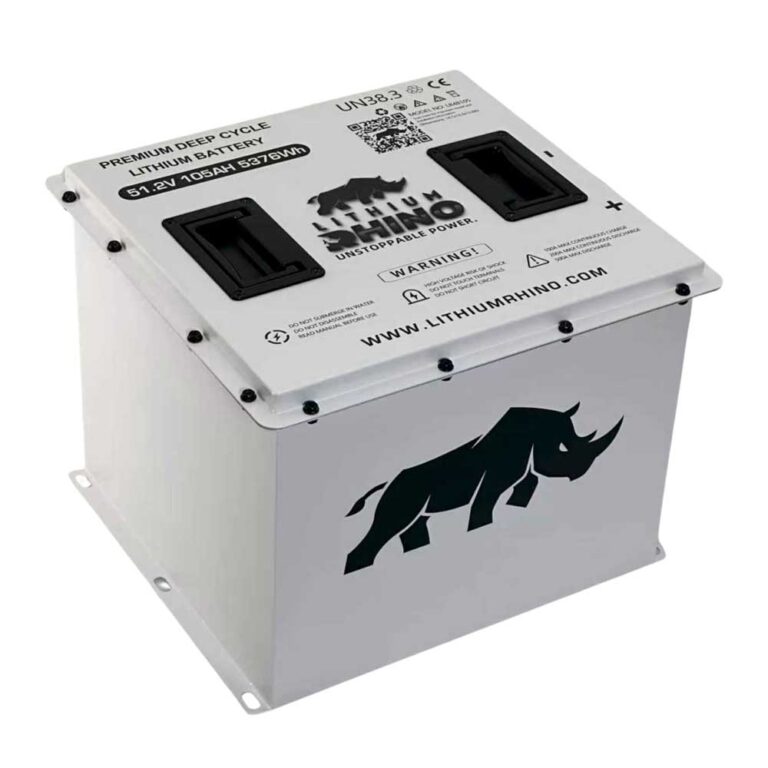
Battery-related beeps are the most common non-reverse alert on the Advent 4, and they are usually the easiest to clear. If the pack is simply low, a complete charge cycle should silence the buzzer and clear the battery icon. If the beep returns within a short drive even after a full charge, the issue is no longer a low battery. It is pack health. A lithium Advent 4 will let its BMS throttle output and chirp a warning when one group of cells sags under load or when a cell temperature or voltage limit is hit, so a beep that keeps coming back deserves a proper pack test rather than another charge.
Charging beeps belong with the charging guide. A cart that beeps the instant you plug in, or refuses to start a charge, is usually telling you about the charger handshake, a dirty or damaged charge port, or a connector that is not fully seated, not about the motor or controller. Inspect the port pins for corrosion and heat discoloration before you suspect anything more expensive.
Brake warnings are the third common trigger. The Advent 4 watches its parking-brake and brake-switch circuits, and a beep paired with a brake icon usually means the parking brake is engaged, partially engaged, or the brake switch is sticking and not returning cleanly to its rest position. Fully release the brake, press and release the pedal a few times, and confirm the icon clears. A switch that stays reported as on will also block drive, so this warning and a no-drive symptom often appear together.
Blinking lights and no drive
Blinking is the visual cousin of beeping, and the same rule applies: read the pattern before you replace parts. For Advanced EV Advent carts, the best public sources are the wiring diagram, the Toyota controller table, the Curtis LED method, and the battery or charger manual for the installed pack.
- Exterior lights blinking fast: FMVSS 500 requires LSV turn signals, and the Advent wiring diagram includes the flasher and lamp circuits. A fast blink usually starts at the lamp, socket, flasher, or ground on that side.
- Dash icon blinking: Photograph it before any key cycle. No public factory sheet documents a universal Advent icon legend for every model year, so the photo helps a dealer match your exact cluster and controller.
- Controller LED blinking: If the cart exposes Curtis red and yellow LEDs, read them as a two-digit sequence. The Advent manual gives a 31 example using red and yellow flashes.
- Beeping with no drive: If the cart beeps and will not move at all, stop chasing the sound and follow the no movement guide, which walks the drive circuit in order.
- Beeping with reduced speed: A cart that beeps and then crawls is usually in a protective mode. Record the warning, then use the reduced-speed guide to find what tripped it.
Treat every Advanced EV beep as a message rather than a nuisance. Reverse beeping is the cart doing its job and should be left alone. Any beep that arrives with a warning icon, a blinking light, a charging problem, or a change in how the cart drives is a diagnostic clue. Name the context, record the icon, and work the matching system instead of trying to mute the buzzer. Silencing a safety or fault alarm without fixing the cause only hides the problem until it gets worse.
Frequently Asked Questions
Why is my Advanced EV golf cart beeping?
A beep in reverse is normal. Repeating beeps with a warning icon usually mean low battery, a charger issue, a brake switch issue, or a controller fault.
Can I turn off the Advanced EV reverse beep?
It should stay active because it is a safety warning required for street-legal LSVs. Do not disable safety alarms.
Why are my Advanced EV lights blinking fast?
Fast blinking on one side usually points to a lamp, LED module, socket, or ground issue on that side.