Bintelli Golf Cart Won’t Move: Diagnosis & Fix
A Bintelli that wakes up but will not drive is usually waiting on an interlock, protecting the lithium pack, or losing the throttle signal before the controller, verified against Bintelli’s own Beyond user and parts manuals.
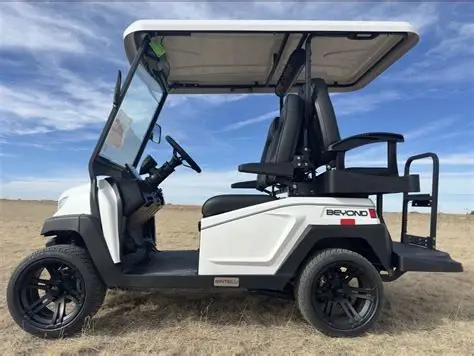
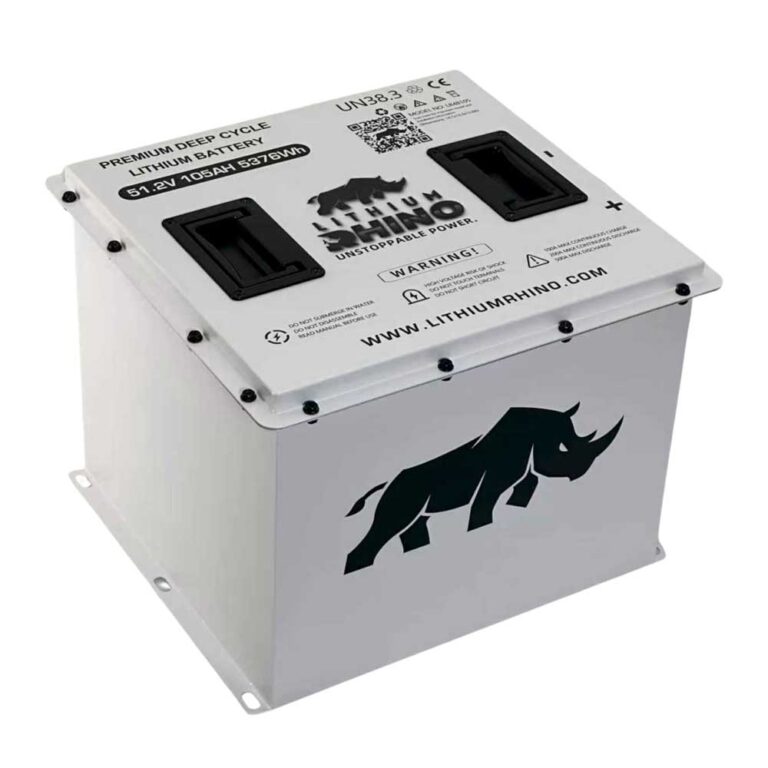
- The 2025 Beyond 4 Passenger Lifted parts manual documents a 72V 165Ah lithium battery, 72V 5kW motor, JEVD1-72M450L controller, and 400A fuse.
- Startup sequence matters: Tow/Run to Run, F/N/R to Neutral before key-on, parking brake released, then select direction.
- The 2025 manual says the lithium battery has its own power switch, if it is off, the cart will not run even with dash power present.
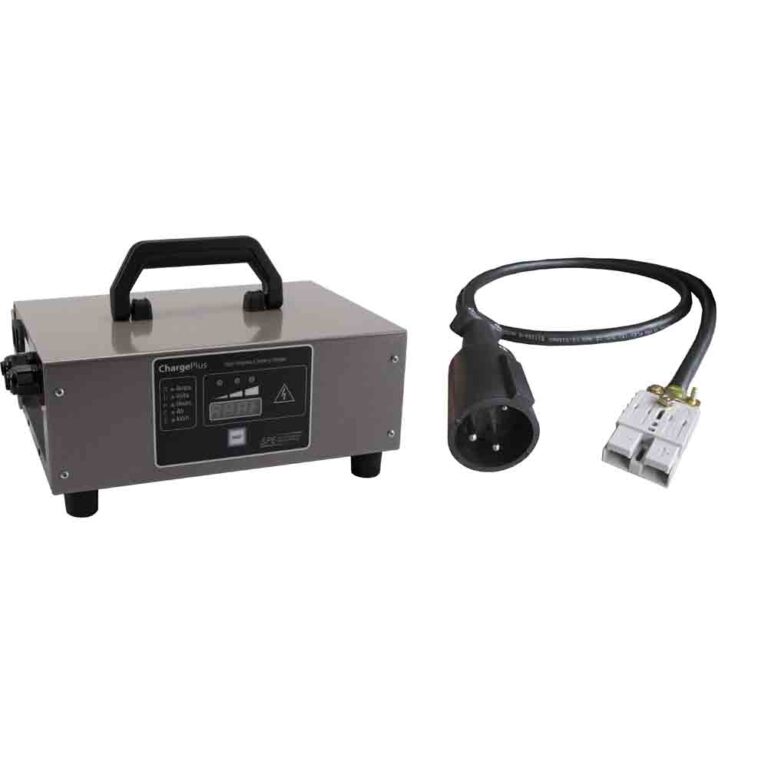
- Bintelli tells owners to unplug the charger before turning the vehicle on, charger lockout is a documented no-drive cause.
- Older Beyond years do not share one universal pack spec, always confirm the battery label before applying the 2025 lifted spec.
When a Beyond has dash power but refuses to roll, separate the no-drive symptom from a dead-cart symptom. The drive chain starts with pack wake state and safety inputs, then moves through pedal signal, solenoid, controller, and motor wiring. Bintelli Beyond carts are feature-rich LSVs, so many complaints involve the lithium pack, accessory wiring, dash warnings, or safety interlocks, this guide uses Bintelli’s own user and parts manuals rather than generic golf cart assumptions.
01: Confirm Drive Permission
Start with the items that intentionally block motion. A lithium street legal cart can look broken when it is simply parked, charging, or seeing a brake input.
- Charger interlock: Unplug the charger and key cycle the cart. Bintelli tells owners to unplug the charger before turning the vehicle on.
- Run setting: Confirm Tow/Run is in Run and the parking brake is fully released.
- Dash warning: Record any fault icon before clearing it.
02: Read the No-Drive Pattern
A silent cart points toward enable inputs. A cart that clicks but does not move points toward high-current switching or controller output. A cart that tries to move and quits points toward BMS or controller protection. For the 2025 Beyond 4 Passenger Lifted parts manual, Bintelli publishes a 72V 165Ah lithium battery, 72V 5kW motor, JEVD1-72M450L controller, 400A fuse, and main contactor. Older Beyond user manuals do not publish one universal voltage and Ah spec, so confirm the battery label before applying the 2025 lifted spec to every Beyond.
| Pattern | Likely Area | First Check |
|---|---|---|
| No click, dash on | Tow/Run, parking brake, F/N/R sequence, pedal enable, controller enable. | Put Tow/Run in Run, F/N/R in Neutral before key-on, release parking brake, then select direction. |
| Click, no motion | Main contactor, 400A fuse on 2025 lifted parts manual, controller power path, motor cables. | Measure voltage across contactor main posts while a helper presses the pedal. |
| Moves then stops | Lithium BMS, low voltage warning, high current, thermal protection, controller fault. | Charge fully and record the displayed fault number before key cycling. |
| Will not drive while plugged in | The Lester Summit II manual describes vehicle lockout control while AC is applied to on-board chargers. | Unplug AC, key cycle, and inspect the charger interlock path if it persists. |
03: Check Pack Wake State
A lithium pack can run accessories while limiting or blocking traction current, but the Beyond manuals are more specific than that generic statement. The 2025 manual says the low-voltage battery fault light indicates the battery needs to be charged immediately, and the LCD meter can display real-time fault or error-code numbers. It also says Bintelli-branded lithium battery meters are not exact percentage gauges and warns to recharge before the meter shows 20 percent or less.
Power state matters. Bintelli’s 2025 manual says the lithium battery has a power feature on the side of the battery, and if the power is not on, the cart will not run. Before maintenance, it tells owners to put Tow/Run in Tow, remove the key, and press the lithium battery power button off. That means a no-drive Beyond can be as simple as a battery power switch or Tow/Run position, especially after storage or service.
If the cart also refuses to charge, use the Bintelli charging guide before chasing the controller. Bintelli says to use a dedicated 20 amp circuit, avoid weak extension cords, and leave the supplied smart charger connected when stored. The Lester manual adds that the charger profile must match battery type and capacity, which matters on Beyond carts because Bintelli manuals mention both Bintelli-branded lithium and Eco-branded battery variants.
04: Work the Pedal, Solenoid, and Controller
- Pedal: Press slowly and listen for a relay or contactor response. The Beyond manuals identify an accelerator pedal and warn that Tow/Run, parking brake, and Forward/Reverse sequencing must be correct before operation.
- Contactor: Bintelli’s 2025 Beyond 4P Lifted parts manual lists a main contactor and 400A fuse in the electrical control area. If the cart clicks but does not roll, measure pack voltage into and out of the contactor under a pedal request.
- Controller: The same parts manual lists a JEVD1-72M450L controller for that 2025 lifted model. Bintelli also hosts Curtis controller manuals for platform service support, but those should be treated as controller-family reference unless the label on the cart matches. Read the fault number on the LCD or controller tool before replacing a controller.
- Motor cables: Inspect hot, loose, or damaged high-current cables after opening the battery circuit.
06: Bintelli Beyond Interlocks That Stop Drive
The Bintelli Beyond is a factory street legal LSV, and the user manual makes the startup sequence explicit: switch Tow/Run to Run, make sure Forward/Reverse is in Neutral before turning ignition on, disengage the parking brake, then select the direction. Miss one of those steps and a Bintelli golf cart won’t move even though the screen and accessories may be awake.
The 2025 manual also documents what the LCD is trying to tell you. The parking brake P icon lights when the brake is on, real-time faults or error-code numbers display on the screen, and a low-voltage battery fault light means the battery needs charge immediately. That is the first baseline for future Bintelli articles: read the screen before clearing it.
Charger lockout is another legitimate no-drive cause. Bintelli tells owners to unplug the charger before turning the vehicle on. The Lester Summit II manual explains that on-board charger lockout can be active while AC power is applied and is typically interfaced with the motor controller. If the cart only refuses to move when the cord has just been connected, unplug AC, key cycle, and then diagnose the interlock if the fault remains.
07: The Lithium BMS and Reduced or Blocked Drive
Because newer Beyond trims use lithium, the BMS is an active player in no-drive diagnosis. Bintelli’s 2025 manual says lithium batteries are sealed and essentially maintenance free, but still require cable checks, clean connections, charging, temperature awareness, and storage care. It also distinguishes Bintelli-branded lithium from Eco-branded battery support, so the battery label matters.
For the 2025 Beyond 4 Passenger Lifted parts manual, the clearest published traction spec is 72V 165Ah lithium with a 72V 5kW motor and JEVD1-72M450L controller. That is useful for that model, but not a promise that every 2021 through 2026 Beyond has the same pack. The older 2023 Beyond manual describes different lithium-ion feature variations and says SOC display can change depending on whether the cart has an Eco-supported charger or a Lester charger.
Before condemning the controller or motor, charge the pack fully, verify the battery power switch is on, let a cold pack warm up if it has been stored outside, and record the dash fault. If charging and waking restore normal drive, the pack protection or enable state was the cause and no drive part was faulty.
08: Pedal Sensor and Solenoid Specifics on the Beyond
When the interlocks and pack check out, move to the pedal signal and high-current switch path. Bintelli’s 2025 parts manual identifies the accelerator pedal assembly and accelerator component separately, then lists the main contactor, 400A fuse, controller plate, and JEVD1-72M450L controller in the electrical control area. That parts layout supports a meter-first approach: prove the pedal request, then prove the contactor, then prove controller output.
If the cart is silent when you press the pedal, suspect missing enable, Tow/Run position, parking brake input, F/N/R sequence, pedal signal, or controller power. If you hear a distinct click but the cart does not roll, focus on the contactor and high-current path: measure control voltage on the small contactor terminals to confirm it is being commanded closed, then measure voltage drop across the large terminals while a helper presses the pedal.
Use controller manuals carefully. Bintelli hosts Curtis 1236 documentation, and it is valuable for general AC-controller logic such as throttle inputs, encoder faults, HPD sequencing, main contactor did-not-close faults, and thermal cutback. But the 2025 lifted parts manual’s controller label is JEVD1-72M450L, so Curtis fault codes are not automatically the exact Beyond code table unless the controller label and dealer tool confirm it.
09: Motor Cables, Connectors, and Heat
The last link in the drive chain is the heavy wiring between the controller and the motor, and on an LSV that gets driven on real roads it takes vibration and weather that a course-only cart never sees. Inspect the large motor cables for loose lugs, corrosion, or melted insulation, all of which create resistance that either blocks drive or makes the cart cut out under load once the connection heats up. Feel the cables and lugs after a short attempt to drive, a spot that is noticeably hot is telling you exactly where the resistance is. Wiggle the connectors at the controller and motor while a helper watches for the cart to react, since an intermittent motor connection can mimic a failing controller. Only after the interlocks, pack, pedal, solenoid, and cables are all proven good does replacing the controller make sense.
A Bintelli that will not move is usually stopped by an interlock, pack protection, missing pedal signal, contactor failure, or controller fault. Test the drive chain in that order, using Bintelli’s own documented Tow/Run/F-N-R sequence, LCD fault display, and lithium pack behavior, and replace only the part the meter proves bad.
All of the checks above assume the fault is electrical. If the motor spins while the cart stays still, the electrical side has already proved itself and the break is mechanical, which is covered in the guide to a golf cart that will not move while the motor spins.
Frequently Asked Questions
Why won’t my Bintelli golf cart move?
The usual causes are charger interlock, run switch, parking brake switch, low lithium pack, pedal sensor, solenoid, controller fault, or motor cable issue.
Why does my Bintelli click but not move?
A click usually means the enable side is working. Test solenoid contacts, controller input and output, motor cables, and any active dash warning.
Can a low lithium battery stop a Bintelli from driving?
Yes. The BMS can allow dash power while limiting drive current. Charge fully and check for a battery warning before replacing drive parts.