Bintelli Golf Cart Reduced Speed (Limp Mode): Fix
Reduced speed usually means the Bintelli controller is protecting the cart because an input, battery condition, or temperature is outside its normal range. Compare against the real published speed window before chasing parts.
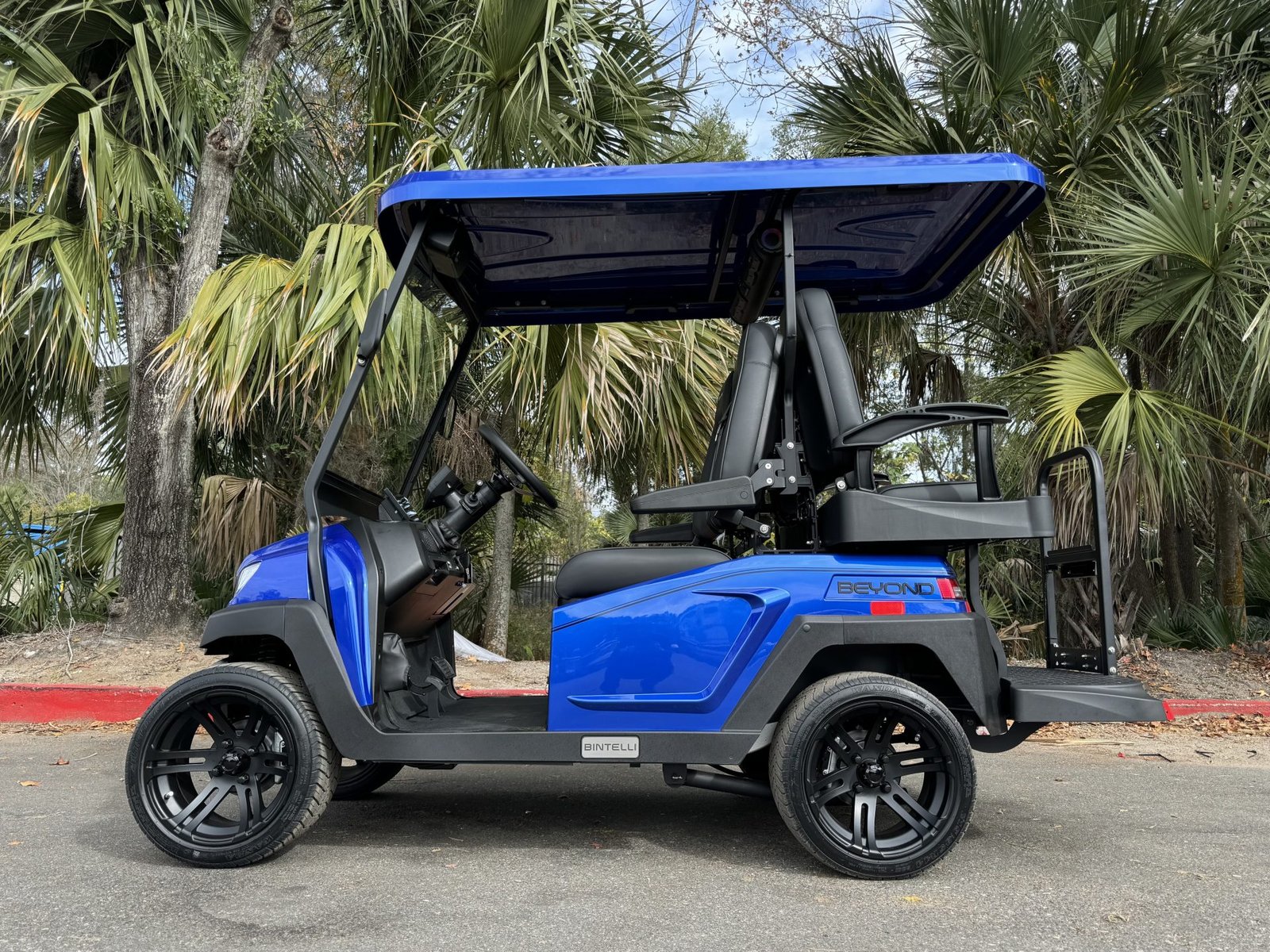
- Bintelli’s current Beyond 4 Seater page lists max forward speed as 20 to 25 mph. Confirm the cart cannot reach that window on level ground with a full charge and correct load before assuming a fault.
- Bintelli lists an 800 lb max load for the current 4 seater. Heavy passenger or cargo load, low tire pressure, and dragging brakes all mimic limp mode.
- Verified vehicle baseline (2025 Beyond 4 Passenger Lifted): accelerator pedal, brake-pedal micro switch, Tow/Run switch, 12:1 lifted transaxle, 72V 5kW motor, JEVD1-72M450L controller, 400A fuse, 72V 165Ah lithium battery.
- Several speed complaints trace to documented interlocks: charger plugged in (lockout active), Tow/Run in Tow, not starting in Neutral, or the parking brake not released.
- Curtis controller-family documentation shows overtemp cutback near 85C with cutoff at 95C. That is platform-level context, not a confirmed JEVD1-72M450L Beyond threshold, unless the controller label matches.
A Beyond that suddenly caps speed is often in protective logic. Low battery state, BMS current limits, brake input, throttle signal, speed sensor data, or heat can all trigger limp behavior. Start by comparing the symptom to the cart’s real published speed range, then work through documented interlocks, pedal inputs, heat cutback, and battery state before suspecting the motor.
01: Compare the Symptom to Bintelli’s Real Speed Range
Bintelli’s current Beyond 4 Seater page lists max forward speed as up to 25 mph in one section and 20 to 25 mph in the detailed spec section. So the first question is not whether the cart feels fast. It is whether it can reach its normal published speed window on level ground with the correct load, tire pressure, and a charged pack.
If the cart has always topped out around a lower number, the dealer may need to check legal programming, model configuration, local LSV requirements, tire size, or controller settings. There is no verified public source for named Bintelli dealer speed modes such as golf, street, or unrestricted, so treat those as informal shop terms rather than official profile names.
- GPS speed: verify speed with GPS on level ground, not only the dash.
- Full pack: test after a complete charge and after the cart has rested.
- Load: Bintelli lists an 800 lb max load for the current 4 seater, so heavy passenger or cargo load matters.
02: Use the Speed Pattern to Choose the System
| Pattern | Likely Area | First Test |
|---|---|---|
| Slow from key-on every time | Programming, parking brake input, interlock, low battery warning | Check dash warning, parking brake, Tow/Run, charger unplugged |
| Starts normal, then slows after a hill or long run | Controller heat, motor heat, battery current limit | Cool down, check tire pressure, brake drag, load, and terrain |
| Slows only near low state of charge | BMS or low-voltage protection | Charge fully and inspect battery warnings |
| Surges or caps after bumps | Accelerator, brake switch, speed feedback, harness connector | Inspect pedal box, connectors, and motor harness |
The 2025 Beyond 4 Passenger Lifted parts manual verifies the accelerator pedal, accelerator component, brake-pedal micro switch, Tow/Run switch, 12:1 lifted transaxle, 72V 5kW motor, JEVD1-72M450L controller, 400A fuse, and 72V 165Ah lithium battery. Those are the sourceable parts to inspect before calling the motor bad.
03: Check Documented Interlocks Before Limp-Mode Guesses
Bintelli’s current manual gives a specific startup sequence: Tow/Run in Run, Forward/Neutral/Reverse in Neutral before the key is turned on, parking brake released, then direction selected. It also says not to start the vehicle until charger power has been unplugged. The Lester charger manual explains that charger lockout can be active while AC power is applied and can interface with the motor controller. Any one of those conditions can feel like reduced speed or no drive.
- Unplug charger AC: a plugged-in charger can trigger lockout logic.
- Set Tow/Run to Run: Tow mode is not a reduced-speed driving mode.
- Release parking brake fully: the LCD has a parking-brake indicator.
- Start in Neutral: follow Bintelli’s sequence before judging speed.
04: Brake and Accelerator Inputs
The public parts manual confirms the pedal-box hardware, but it does not publish accelerator sensor internals. Diagnose the accelerator by connector condition, pedal return, moisture, broken mounting, and dealer scan data rather than assuming a specific sensor type. The brake-pedal micro switch is equally important because a partly active brake signal can make the controller limit torque or refuse normal drive.
If speed changes when you move the pedal harness, brake switch wiring, or under-seat harness, treat the connector as the fault path. Do not replace the 72V 5kW motor because a low-voltage input is flickering.
05: Heat and Current Cutback, Labeled Correctly
Bintelli-hosted Curtis controller manuals are useful for platform-level behavior: Curtis documentation says controller overtemp cutback can reduce drive and brake torque when heatsink temperature exceeds 85C, with current limits reduced above that temperature and complete cutoff at 95C on the 1234/1236/1238 family. That is real controller-family behavior, but it is not a verified JEVD1-72M450L Beyond threshold unless the controller label and service data match.
Use the idea, not a false certainty. If full speed returns after cooldown, look for heat causes: underinflated tires, dragging brakes, repeated hills, heavy load, blocked controller airflow, oversized tires, or aggressive driving.
06: Battery and Cold-Charge Context
The Beyond manual says a low-voltage battery fault light means the battery needs to be charged immediately, and it warns that the lithium meter is not an exact percentage. Eco Battery guidance adds that standard lithium models will not accept charge below 32F internal temperature. Cold or low battery conditions can lead to weak performance, failed charging, or protective limits that look like limp mode.
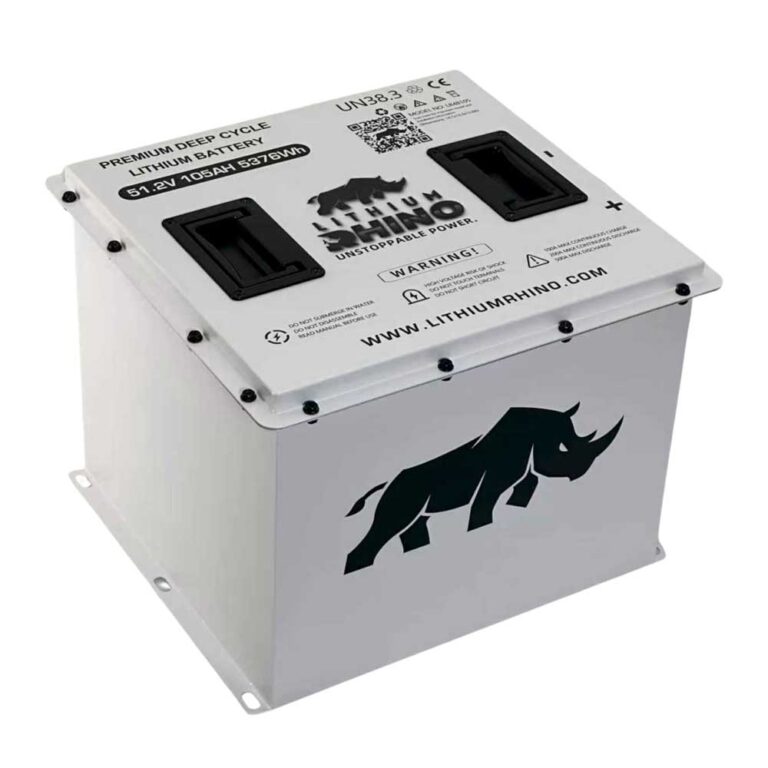
For current 2025 Beyond 4 Passenger Lifted diagnosis, begin from the verified 72V 165Ah battery baseline, then confirm your battery label, because older Beyond years and battery suppliers can differ.
Compare GPS speed to the published 20 to 25 mph range first. Charge the pack fully, unplug the charger, follow the Neutral startup sequence, release the parking brake, inspect the brake and accelerator connectors, let the controller cool, and have a dealer confirm speed programming if the cart has always been slow.
Frequently Asked Questions
Why is my Bintelli stuck in reduced speed?
Likely causes include low charge, a BMS current limit, charger lockout, Tow/Run or parking-brake permission, a brake switch input, an accelerator input fault, heat cutback, a harness connection issue, or the dealer speed programming. Compare GPS speed to the published 20 to 25 mph range before assuming a fault.
How do I reset limp mode on a Bintelli?
Charge the pack fully, unplug the charger, let the cart cool, release the parking brake, follow the Neutral startup sequence, and key cycle. If reduced speed returns after that, the fault is still active and needs a proper diagnosis rather than repeated resets.
Can a speed sensor make a Bintelli slow?
Yes. If the controller loses reliable motor speed feedback, it may limit power or surge instead of allowing full speed. Inspect the motor harness connector for the speed feedback signal, especially if the symptom appears after bumps or vibration.
Is a Bintelli Beyond always this slow, or is something wrong?
If the cart has never reached its published 20 to 25 mph range even on level ground with a full charge and normal load, that points toward dealer speed programming, model configuration, or local LSV requirements rather than a new fault. Ask the dealer to confirm the programmed speed profile for your specific cart.