Bintelli Golf Cart Beeping or Blinking: What the Warning Means
Decode normal reverse sounds, turn-signal blinking, low-voltage warnings, charger behavior, and fault-code screens on a Bintelli Beyond without inventing a beep-count chart the factory does not publish.
- Bintelli publishes LCD fault and warning behavior, but not one universal public beep-count chart.
- Reverse, turn signals, horn, soundbar modes, low voltage, parking brake, and brake-fluid warnings are separate signals.
- A real-time fault or error number on the LCD should be photographed and handled with dealer service data.
- Low-voltage battery warnings mean charge immediately and check pack state before chasing controllers.
A Bintelli golf cart beeping is not one single fault. On current Beyond carts, the sound or blinking light may be a normal reverse or turn-signal alert, a parking-brake or brake-fluid warning, a low-voltage battery warning, a soundbar status LED, or a fault number shown on the LCD meter. The useful move is to record the pattern, match it to the system that is active, and avoid replacing electronics from a guessed beep count.
Separate Normal Sounds From Fault Warnings
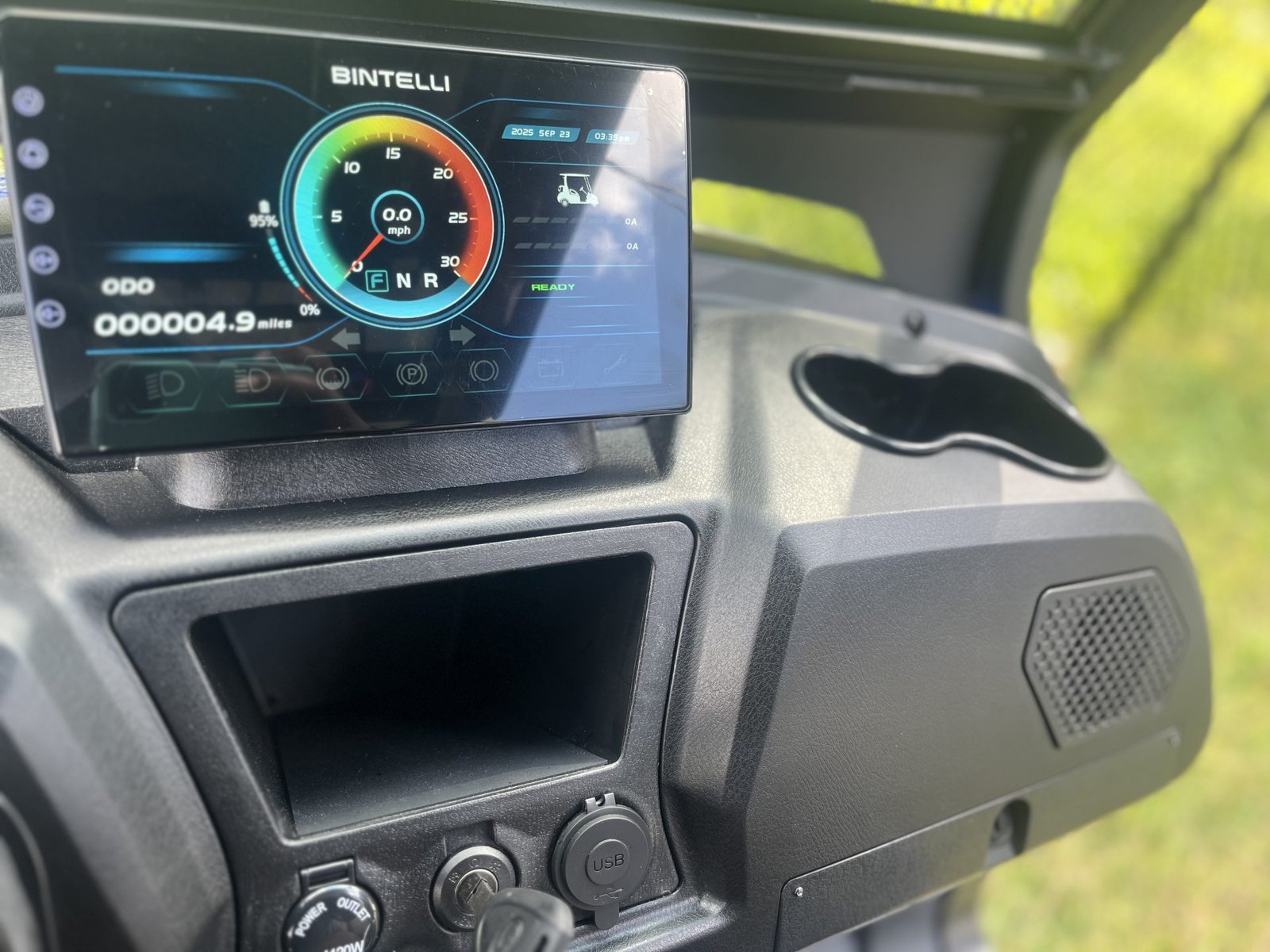
Start with what was happening when the Bintelli made the sound. The Beyond manual names the LCD meter functions instead of publishing a universal beep chart: low beam, high beam, left and right turn arrows, parking-brake “P”, speed, real-time fault or error-code number, battery fault light for low voltage, and odometer. Screen 2.0 adds named indicators for low beam, high beam, low brake fluid, parking brake on, brake on, low power, fault or warning code, charge meter, amp usage or regen, date and time, volume, gear selection, and speed.
Normal operating alert
Reverse, turn signal, horn, or soundbar mode feedback can be normal if it appears only during that function.
Driver warning
Low brake fluid, parking brake on, brake on, low power, or battery fault light needs attention before more driving.
Fault number
The LCD can display a real-time fault or error-code number. Photograph it before cycling the key.
Accessory blink
The soundbar has its own Power, Bluetooth, and Mode LEDs, so audio blinks are not drivetrain codes.
Use the Pattern Table Before Resetting Anything
| What you see or hear | Most likely system | First check |
|---|---|---|
| Beep only in Reverse | Normal reverse alert if no warning icon is also on | Confirm Reverse is selected, then check the LCD for low voltage, brake, or fault-code lights. |
| Fast turn-signal flash on one side | Turn-arrow circuit, LED module, socket, or ground at that corner | The Beyond LCD uses left and right blinking arrows for turn signals. Inspect the side that flashes abnormally. |
| Battery fault light for low voltage | Pack needs charge immediately | The Beyond manual does not publish a voltage cutoff number here. Charge the cart, then confirm the battery label, charger behavior, and pack voltage. |
| Fault or warning code light with a number | Vehicle controller or monitored system | Photograph the number and stop using the cart until a Bintelli service center diagnoses that exact code. |
| Low brake fluid, parking brake on, or brake on light | Brake warning or applied-brake circuit | Release the parking brake, inspect brake-fluid state, and do not drive with an unresolved brake warning. |
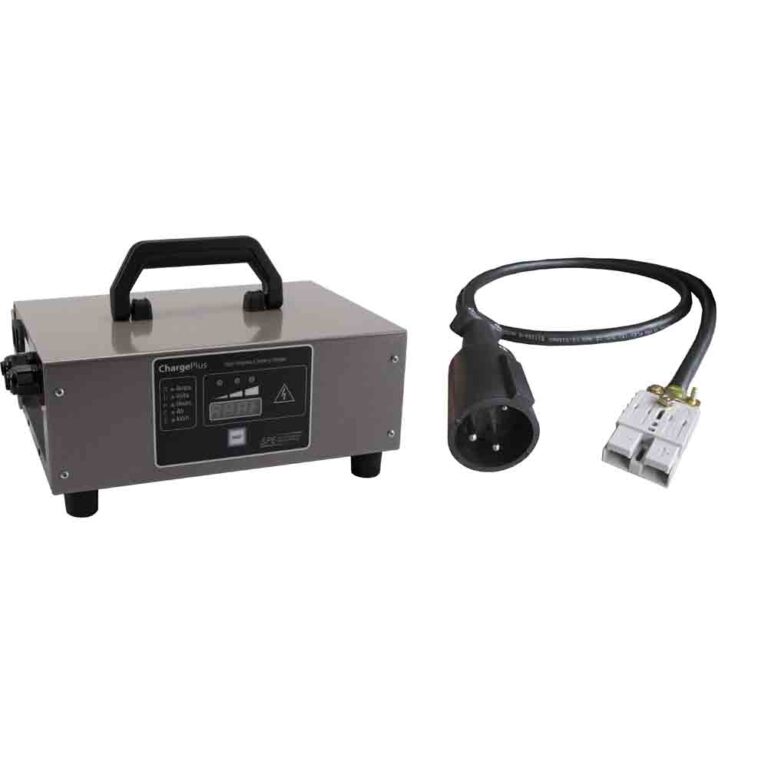
| Lester charger LEDs | Charger status or charger fault, not a dash beep count | Blue means AC present. Yellow slow blink is bulk/start, yellow fast blink is over 80 percent absorption, yellow solid is finish, green solid is charge complete, and red fault patterns need ChargerConnect or the fault table. |
| Soundbar LED blinking | Audio or lighting accessory mode | Power solid green means on, Bluetooth flashing blue means pairing, Bluetooth solid blue means connected, Mode flashing red means EcoCast transmit pairing, and Mode flashing green means EcoCast receive pairing. |
The important correction is that a Bintelli warning is not automatically a controller failure. The public Beyond material supports real indicator names and a displayed fault number, while the Lester manual supports real charger LED states. It still does not support a universal beep-count chart for every Beyond.
Battery, Charger, and BMS Clues
On a Beyond, low voltage is a real warning, but the public manual does not attach a pack-voltage number to that warning. It says the battery fault light comes on when the vehicle has low voltage and the battery needs to be charged immediately. The same source tells owners to unplug the charger before turning the vehicle on, so a cart that beeps or refuses to drive while connected to shore power may simply be in charger lockout.
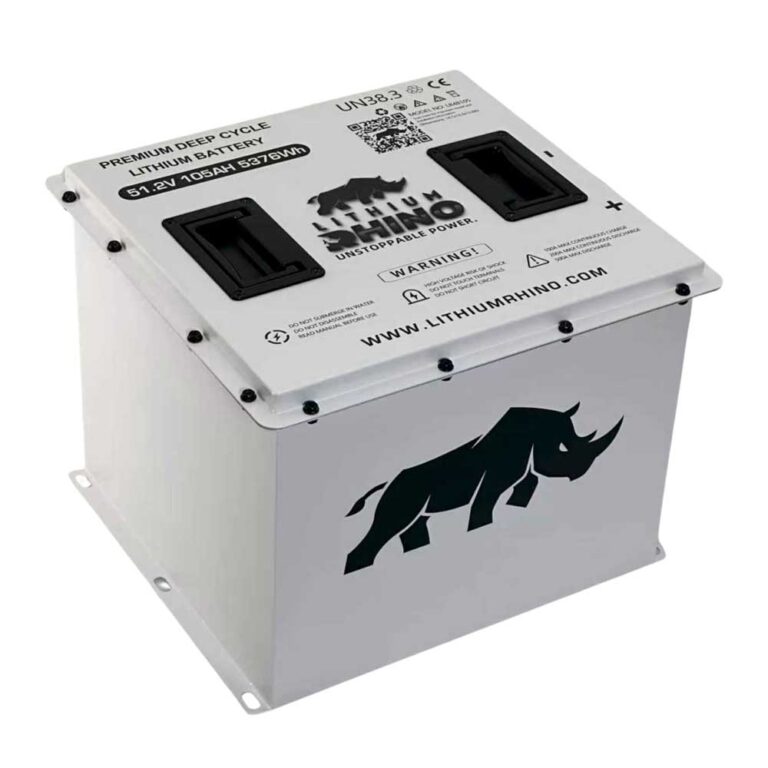
For lithium-equipped carts, keep the battery label in the diagnosis. The 2025 Beyond parts data confirms a 72V 165Ah lithium battery, 72V 5kW motor, JEVD1-72M450L controller, and 400A fuse on that documented trim. Older years and other trims can differ, so the label on the battery and charger is the final source for voltage and charging requirements.
- Check the Tow/Run switch and battery power switch before chasing fault sounds.
- Charge a low pack before interpreting drive warnings, because the public manual says low voltage requires immediate charging but does not publish the exact cutoff.
- Do not bypass BMS protection to silence a warning.
- If a Lester-equipped charger shows red fault behavior, diagnose the charger and port separately from dash beeps.
Blinking Lights With No Drive
If the Bintelli beeps or blinks and will not move, use the no-drive sequence before buying parts. Set Tow/Run to Run, confirm Forward/Neutral/Reverse is in Neutral before key-on, release the parking brake, unplug the charger, and make sure the battery power switch is on. Those steps come before controller replacement.
If the LCD shows a fault number, treat that number as a service clue, not as a generic internet code. Public Bintelli owner material confirms the display can show real-time fault or error-code numbers, but it does not publish one universal public Beyond numeric code legend. Use the number with Bintelli dealer service data for the exact controller and model year.
A Safe Beep and Blink Action Plan
Record the pattern first. Photograph the LCD, note whether the sound happens in Reverse, while charging, on a turn signal, during acceleration, or at key-on, then test only the system that was active. Do not clear the warning until the clue is captured.
Frequently Asked Questions
Does Bintelli publish a beep-count fault table?
Public Bintelli owner material confirms LCD fault and warning behavior, including real-time fault or error-code numbers, but it does not publish one universal beep-count fault table for every Beyond. Photograph any displayed number and use dealer service data for the exact cart.
Why does my Bintelli beep when I put it in Reverse?
A reverse alert can be normal. If the sound appears only in Reverse and no fault light, battery fault light, low-power light, or brake warning is present, treat it as an operating alert rather than a failure.
What should I do if my Bintelli beeps and will not move?
Check charger lockout, Tow/Run position, battery power switch, F/N/R neutral startup, parking brake, battery fault light, brake warnings, and any LCD fault number before replacing drive parts.