ICON Golf Cart Won’t Move: Diagnosis & Fix
When an ICON has lights and power but will not drive, the break is somewhere in the drive-enable path. This guide tests it in the fastest order, from the run/tow switch to the motor.
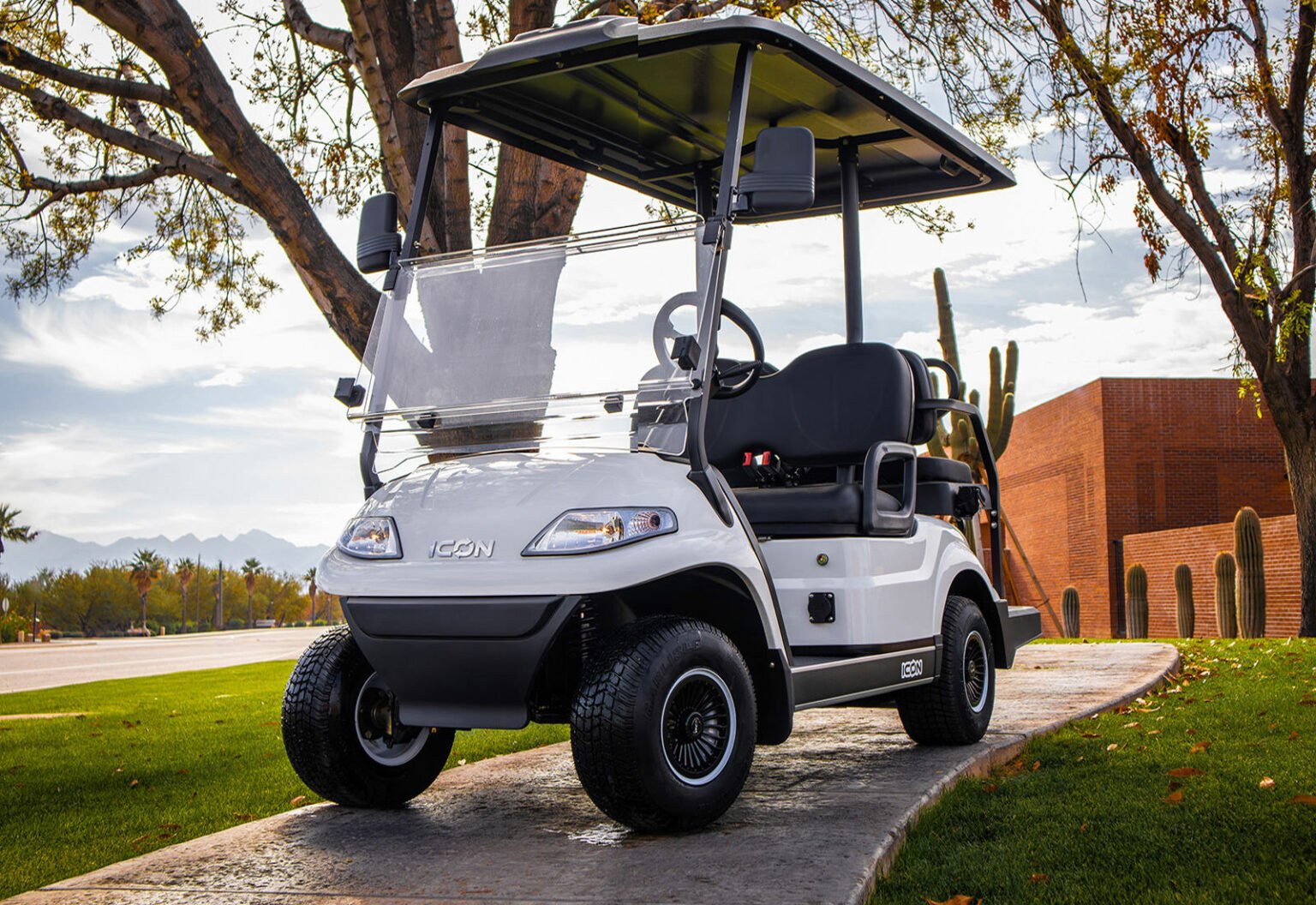
- An ICON with lights and dash but no movement has a break in the high-voltage drive-enable path, while the 12-volt accessory side still works.
- Start with the run/tow switch. Left in TOW, the cart powers up fully but will not drive in either direction.
- Work the cheap suspects first: run/tow, drive-ready state, throttle sensor, then a lithium BMS cutoff.
- Motor and controller are the most expensive links, so test them last after everything upstream checks out.
An ICON that powers up, shows lights and a dash reading but refuses to move is telling you the high-voltage drive path is interrupted while the 12-volt accessory side still works. On a lithium ICON the usual suspects are the run/tow switch, the key or dash sequence, the accelerator (throttle) sensor, a battery management system (BMS) cutoff, and finally the motor or controller. Work them in order and you will usually find the fault in well under an hour.
Start With the Run/Tow Switch
Before anything else, find the run/tow (sometimes labeled run/maintenance) switch. On ICON carts it lives under the seat near the controller or batteries. Left in TOW, the cart will have full accessory power, lights and a dash, but it will not drive in either direction. This is the single most common reason a working ICON suddenly will not move.
- Flip it to RUN. If someone towed, charged or serviced the cart, the switch may have been left in TOW. Switching back to RUN restores drive instantly.
- Inspect the switch. A corroded or failed run/tow switch can stay electrically open even in RUN. Test continuity across it in the RUN position.
Confirm the Cart Is Drive-Ready
ICON carts require a correct power-up sequence: key on, brake released, and the forward/reverse selector in a valid position. A cart sitting in neutral, with the parking brake set, or with the dash showing a fault will not move even though it is powered.
- Key and dash: Cycle the key off and on. Watch the dash for an error icon or code. If a fault is shown, see our ICON error codes guide.
- Forward/reverse selector: Make sure it is fully seated in F or R, not stuck mid-position. A worn F/R switch is a frequent no-move cause.
- Brake pedal: Confirm the brake is fully released and any brake-interlock switch is closing.
Test the Accelerator (Throttle) Sensor
ICON carts use an electronic throttle sensor (a Hall-effect or potentiometer-style sensor) at the pedal. If it fails or loses its signal wire, the controller never gets a request to move, so the cart stays still with full power present. Press the pedal and listen for the main contactor to click. No click on pedal press points upstream to the throttle sensor or its wiring.
- Check the pedal sensor connector for corrosion or a loose pin.
- Back-probe the signal wire with a multimeter set to DC volts, key on. ICON pedals use a 0 to 5V Hall-effect sensor, so you are looking for a smooth, continuous climb from a low resting voltage to a higher wide-open voltage as the pedal travels. The exact endpoints vary by sensor part number, so the diagnostic is the shape of the sweep, not one universal number.
- What a failure looks like: a reading that stays flat at one value through the whole pedal stroke (dead sensor or broken signal wire), one that jumps or drops out mid-travel (worn sensor or cracked connector pin), or one that never returns to its resting value when you release (binding pedal or failing sensor).
- Record your own baseline: note the pedal-up and pedal-down readings on a cart that drives correctly. On these carts that measured pair is far more useful than a generic spec, because ICON has used more than one pedal sensor part number.
- If the contactor clicks but the cart still will not move, the problem is downstream at the motor or controller, not the throttle.
Reading the Contactor Click
The fastest split in this whole diagnosis is whether the main contactor clicks when you press the pedal. It tells you which side of the drive path has failed.
| What You Hear | What It Means | Test Next |
|---|---|---|
| No click on pedal press | The controller never received a valid drive request, or it is refusing to enable. | Run/tow switch, F/R selector fully seated, brake interlock, then the throttle sensor sweep above. |
| Click, but no movement | The enable path worked. The fault is downstream on the high-current side. | Confirm the contactor actually passes pack voltage to the controller, then test motor and controller. |
| Click, then immediate drop-out | Something is pulling the enable back down, commonly a BMS cutoff or a sagging pack. | Charge the pack and recheck. Watch for a dash fault appearing at the same instant. |
| Rapid chattering | Low pack voltage or a loose high-current connection. | Check pack state of charge and torque the main battery lugs before replacing parts. |
A guided, symptom-first walkthrough is available in our interactive golf cart troubleshooter.
Rule Out a Lithium BMS Cutoff
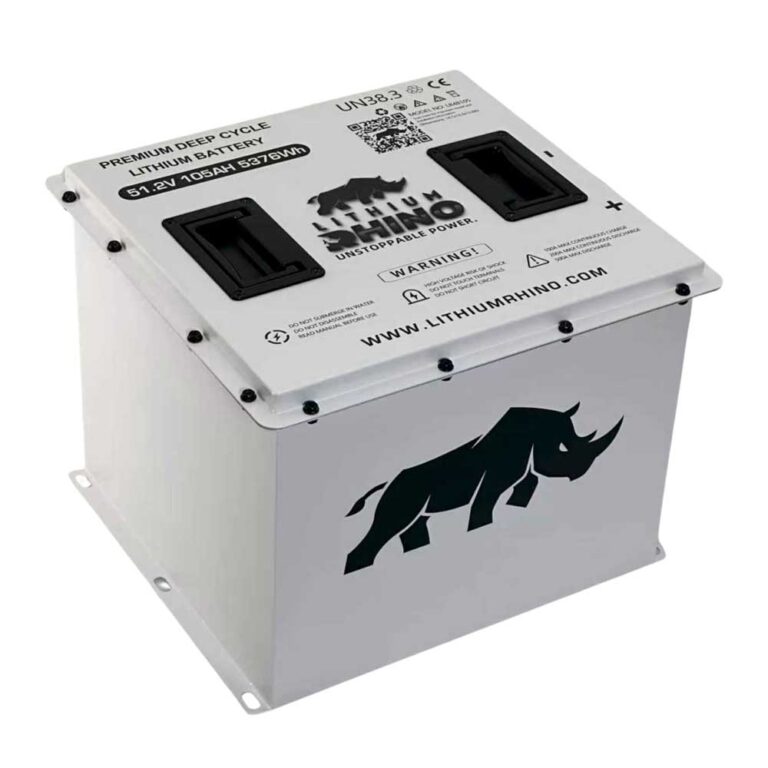
Because ICON carts run lithium packs, the battery management system can cut drive power to protect the cells. A BMS lockout from a very low state of charge, an over-temperature event, or a cell-balance fault produces a cart that powers its accessories but refuses to drive. See our dedicated ICON lithium battery and BMS guide for the full reset procedure.
- Low charge: If the pack is deeply discharged, put it on the charger. The BMS may re-enable drive only after the pack rises above its cutoff threshold.
- Temperature: A pack that is too cold or too hot can lock out until it returns to a safe range.
Motor and Controller: The Last Links
If the run/tow switch is in RUN, the dash is drive-ready, the throttle sensor sweeps correctly, the contactor clicks, and the BMS is not in cutoff, the fault has moved to the motor or controller. These are the most expensive links, which is exactly why you test them last after clearing the cheap suspects.
Confirm the contactor (the high-current relay) actually closes and passes battery voltage to the controller. From there, a controller that takes a valid throttle signal but sends nothing to the motor, or a motor with an open winding, is your culprit. Because ICON carts use widely sourced drive components, most dealers and many independent cart shops can bench-test these. For model identification and wiring references, ICON’s own dealer network is the authoritative source.
Power but no movement on an ICON means a break in the drive-enable path. Check the run/tow switch, the dash drive-ready state, the throttle sensor, and a BMS cutoff before condemning the motor or controller. Test the two expensive links only after everything upstream checks out.
All of the checks above assume the fault is electrical. If the motor spins while the cart stays still, the electrical side has already proved itself and the break is mechanical, which is covered in the guide to a golf cart that will not move while the motor spins.
Frequently Asked Questions
Why does my ICON golf cart have power but won’t move?
The most common reasons are the run/tow switch left in TOW, a forward/reverse selector not fully engaged, a failed accelerator sensor, or a lithium BMS cutoff. Check the run/tow switch first, then the dash drive-ready state, then the throttle sensor before suspecting the motor or controller.
Where is the run/tow switch on an ICON golf cart?
It is usually under the seat near the controller or battery compartment, labeled RUN/TOW or RUN/MAINTENANCE. In the TOW position the cart keeps lights and power but will not drive in either direction.
Can a dead lithium battery stop an ICON from moving?
Yes. If the pack is deeply discharged or the BMS has tripped on temperature or a cell fault, it can cut drive power while still allowing accessory power. Charging the pack often clears a low-voltage cutoff and restores drive.